
Microdermabrasion Facial Machines: Professional vs At-Home Specs
Professional units are built for repeated client use with corded power, a suction console and consumables. At-home devices are compact and cordless. Here is how to decide which class fits you.
The Calvedon Team
November 20, 2026 · 6 min read
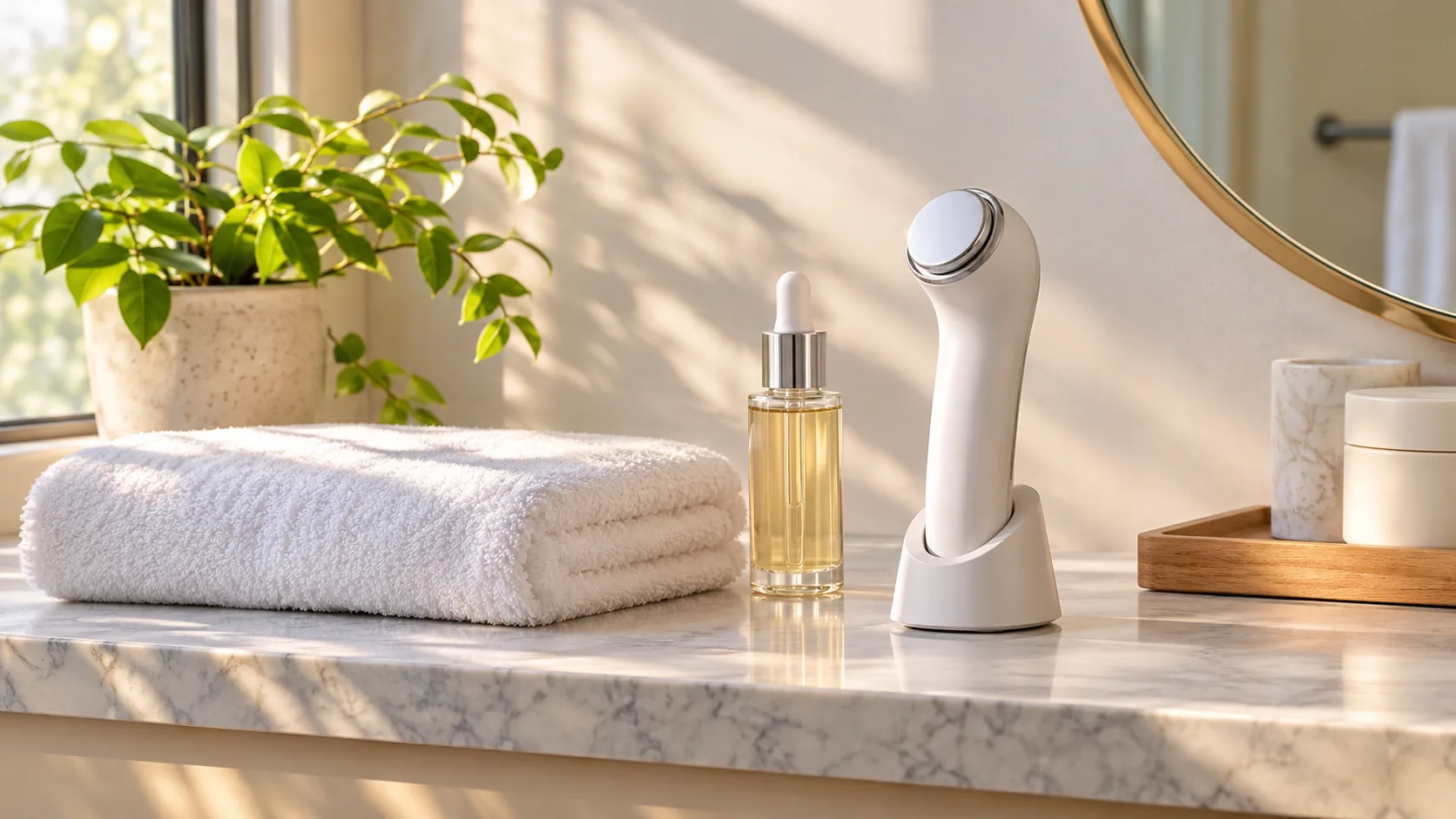
Microdermabrasion facial machines fall into two classes: professional consoles that a licensed esthetician runs on many clients, and compact at-home devices that you run on yourself. The difference shows up in suction control, tip types, filters and upkeep, not in the basic idea of a handpiece that abrades or lifts the surface of the skin. This guide puts those specs side by side so you can tell which class you need before you spend money.
If you are not running a studio, a home-use device is the class to look at. If you are building a practice, the professional column of the table below is the one that matters.
Professional vs at-home: the spec comparison
The table covers the points that separate the classes. Exact numbers vary by model, so read the product page or manual for the figures on any machine you are considering.
| Spec | Professional console | At-home device |
|---|---|---|
| Power | Corded, tabletop or cart-mounted unit | Often cordless and charged by USB cable |
| Suction control | Adjustable, often with a gauge or dial on the console | Selectable intensity levels on the handle |
| Tip types | Diamond tips in several grits, crystal systems, hydro wands | A small set of swappable tips and suction tips |
| Filters | Inline filters and collection jars for debris | Small replaceable foam filters |
| Consumables | Filters, tubing, tips, sterilization supplies | Replacement filters, sealing rings, tips |
| Upkeep | Cleaning between every client, scheduled tip and tubing replacement | Cleaning the tip and filter after your own session |
| Training | Esthetician training and practice rules apply | Follow the manual |
A suction range on a console is wider because the operator adjusts it for different areas and clients. A home device keeps the range simpler because one person uses it on one face.
Tip types: diamond, crystal and hydro
The tip decides how the surface is worked, so it is the first spec to match to your use.
Diamond tips
Diamond microdermabrasion uses a wand with a fixed abrasive head, so no loose particles are involved. Professional kits usually include several diamond tips in different grits, plus shapes for broad areas and small zones.
Crystal systems
Crystal microdermabrasion machines blow fine particles across the surface and collect them by suction. That adds a collection jar and a filter to keep clean, which is why this style stays mostly in professional studios.
Hydro and multifunction units
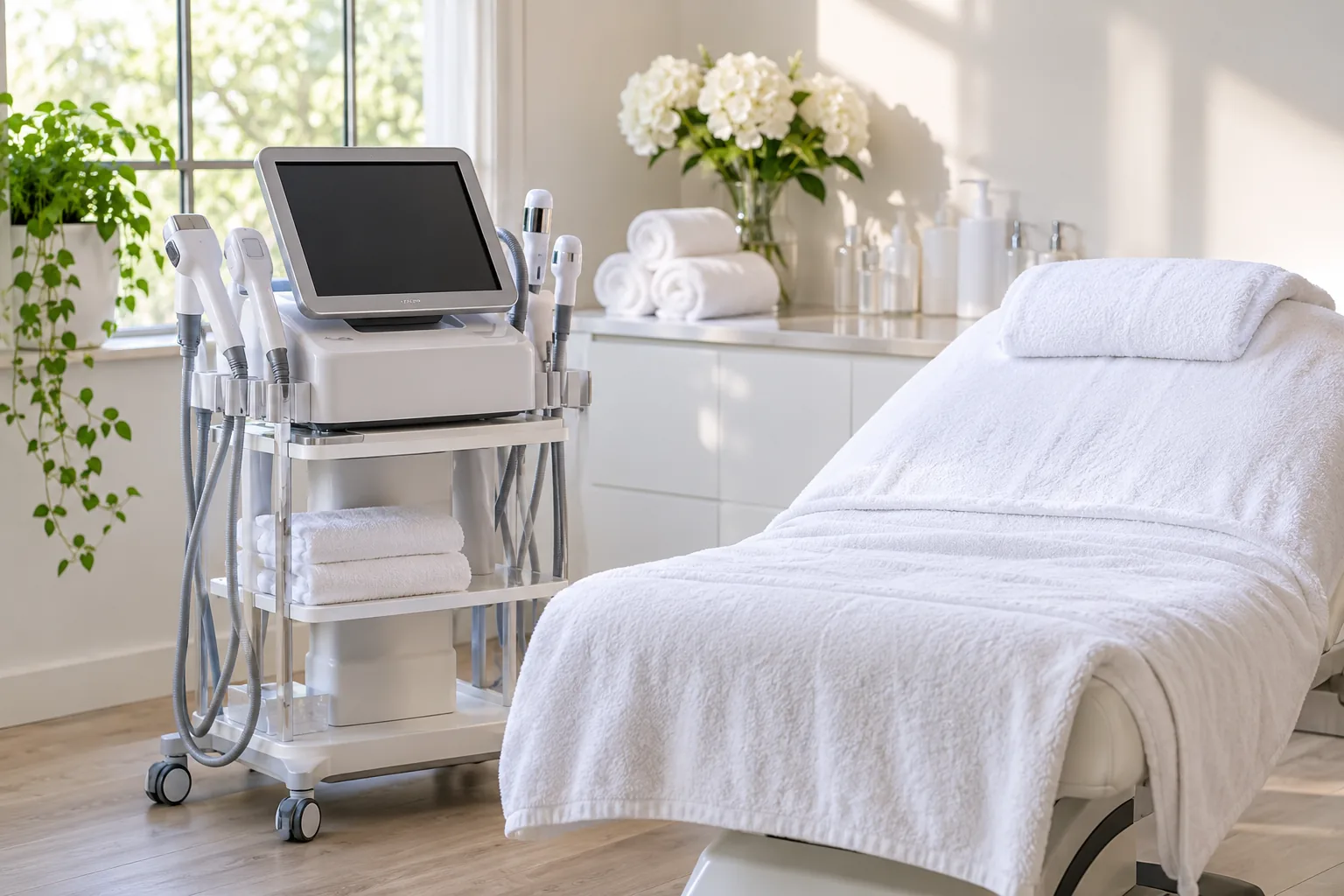
Hydro units combine a wand, a liquid and suction, and larger multifunction facial consoles bundle several handpieces. They suit a med spa that wants one standalone facial station, and they come with the most consumables to track.
Swappable tips at home
Home devices rely on a short set of swappable tips. The idea is that one handpiece can suit rough patches, congested pores or delicate zones by changing the tip rather than buying a second device.
Filters, consumables and upkeep
Upkeep is where the two classes differ most in daily routine. Suction pulls debris into the handpiece, so a filter sits in the path on every class.
- On professional machines, plan for filters, tubing, tips and cleaning supplies as a running line item, and check the manual for the replacement schedule.
- On home devices, the filters are small and replaceable. Pelluvia ships with replacement foam filters and rubber sealing rings in the box, along with a protective storage sleeve.
- For both classes, clean the tip after each session and let parts dry before storing them.
Ask what consumable cost looks like before you buy a console, since tips and filters recur. For a home device, check that replacement filters are included or available.
Always unplug or power down a device before you clean it, and follow the manual for what can be rinsed.
Which microdermabrasion facial machines do you need?
Work through these steps in order.
- Decide who the machine is for. If you will use it on clients, you need a professional console and the training and rules that apply where you work. If it is for your own routine, look at at-home devices.
- Check the power setup. A console needs an outlet and counter or cart space. A cordless device charges by USB cable and can sit in a bathroom drawer.
- Match the tips to the areas you plan to work on. Several grits suit a practice. A short set of swappable tips suits one person.
- Add up the upkeep. List the filters, rings, tubing and cleaning supplies, and confirm you can get replacements.
- Look at the suction control. Choose a unit where you set the intensity before you begin, and start at the lowest setting.
If you are unsure about your skin, ask a licensed esthetician before you pick any device.
 In this guidePelluvia$99.99View
What an at-home device like Pelluvia includes
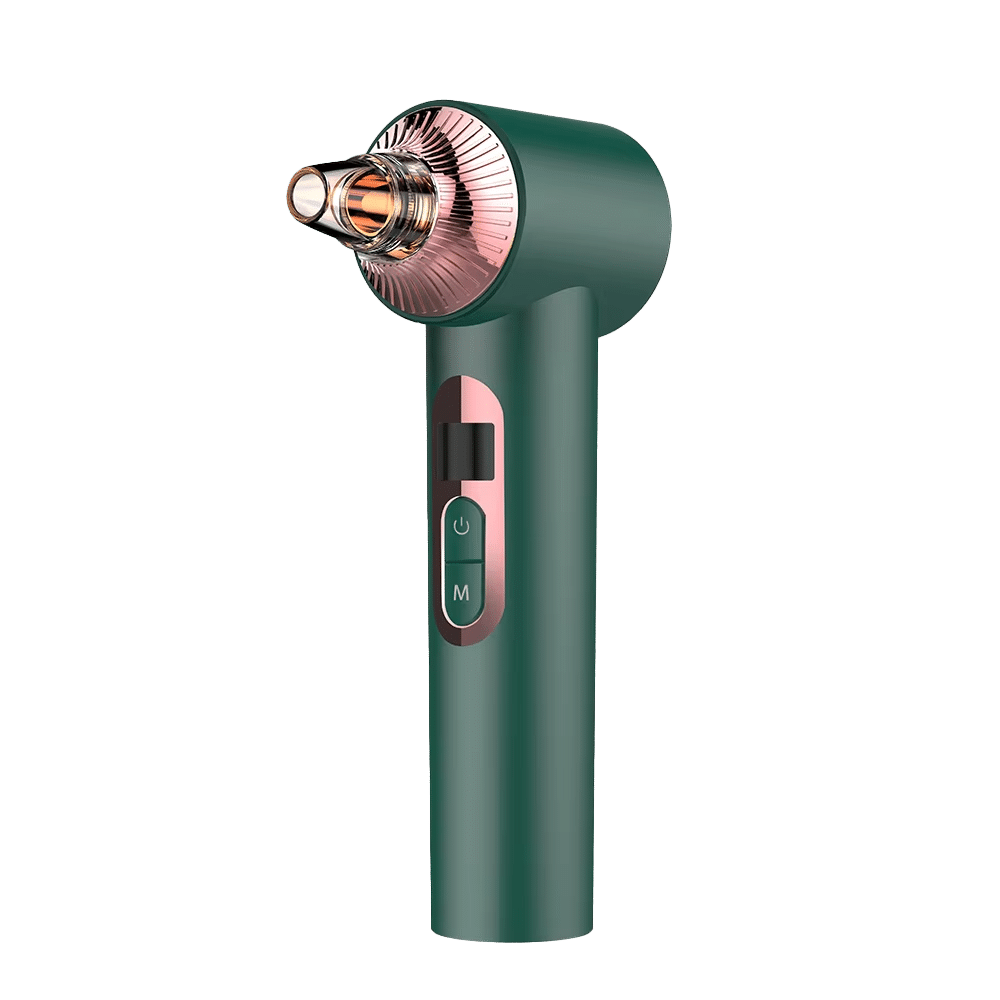
Pelluvia is a cordless microdermabrasion device for a home face-care routine. It has adjustable suction so you choose how firm it feels, plus a light mode and hot and cold modes for a warm or cool finishing pass.
The box holds microdermabrasion tips, suction tips, reusable silicone tips, replacement foam filters, rubber sealing rings, a USB charging cable and a protective storage sleeve. The compact body fits a carry-on or a bathroom drawer. For other options, browse the Facial Care Devices collection.
How to use an at-home microdermabrasion device
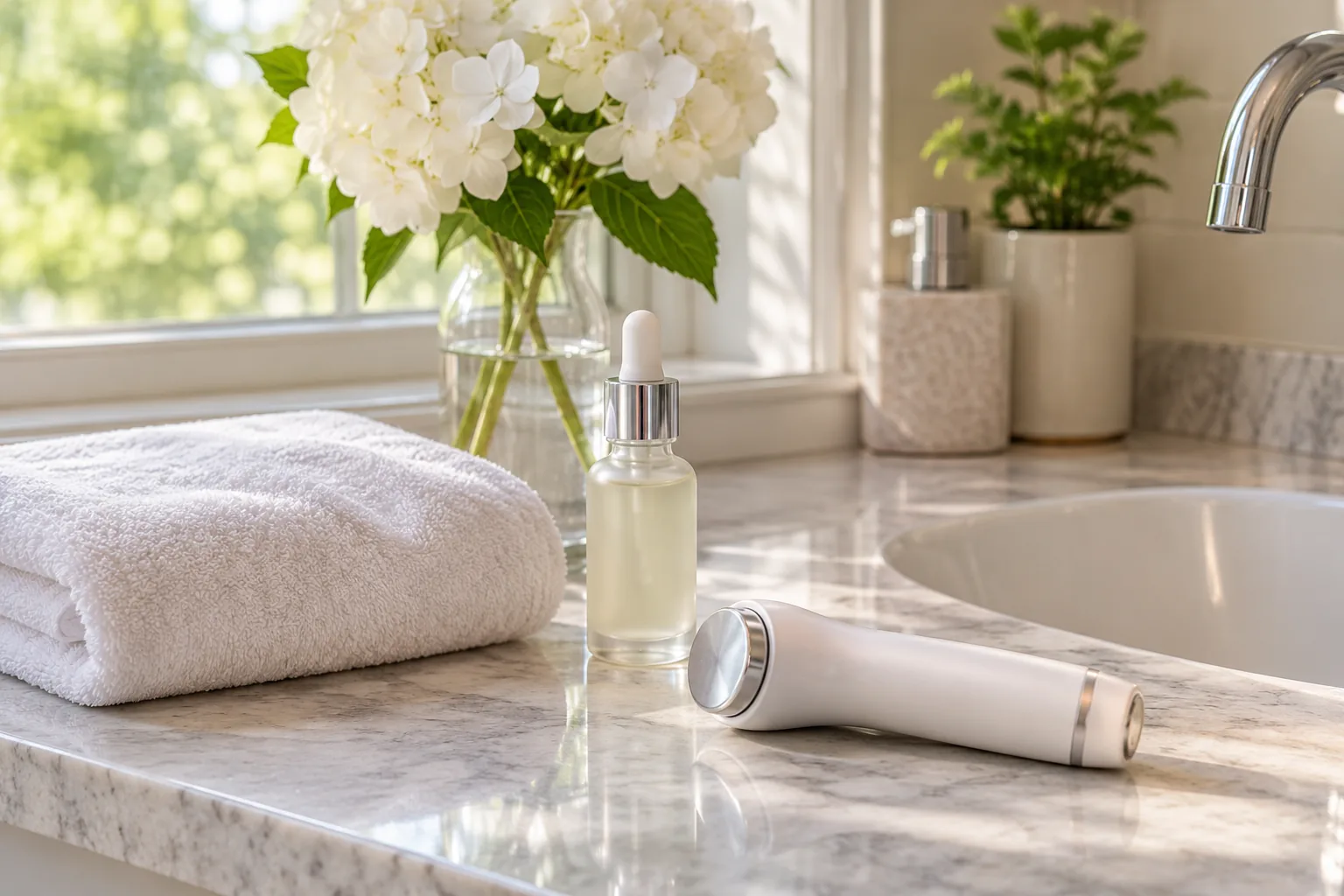
These steps follow the usage described for Pelluvia. Read your own manual first, since models differ.
- Cleanse your face and dry it.
- Pick the tip and intensity that suit your skin today. Start at the lowest setting.
- Glide the handpiece slowly over one area at a time. Do not hold it still on one spot.
- Finish with the light mode and a warm or cool pass if your device has them.
- Apply your serum, then clean the tip and filter.
Skip a session if your skin is broken or irritated, and ask a licensed esthetician if you are unsure. For a similar step-by-step routine with another tool, see Electric Gua Sha Massage: A Step-by-Step Routine and Settings. For tool cleanup habits, read How to Use an Electric Callus Remover: Steps, Speed and Cleanup.
Field note
Keep a spare filter and sealing ring with the device. Swap them on the schedule in the manual, and store the tips dry in the sleeve.
Common mistakes when choosing a machine
- Buying a console for personal use, then paying for consumables and counter space you do not use.
- Choosing a home device for client work. Shared use calls for professional equipment, training and the cleaning rules where you practice.
- Ignoring filters. Check what comes in the box and whether replacements are available.
- Starting at a high suction setting. Begin low and raise it only as the manual allows.
- Pressing hard or staying in one place. Glide slowly and keep the handpiece moving.
Match the class to the person using it, the tips to the areas, and the upkeep to your routine, whichever column of the table you land in.
Frequently asked questions
Keep reading
 Body Contouring, Foot Care & Beauty ExtrasWomen's Shapewear Bodysuit: How to Choose Fabric, Firmness and Size7 min read
 Body Contouring, Foot Care & Beauty ExtrasHow to Fix a Broken Nail: Trim, File or Patch Step by Step6 min read
 Makeup Tools & StorageCosmetic and Makeup Organizer: How to Pick Storage That Fits6 min read