
Emergency Call Button for Seniors: Types, Range and Setup Checklist
Choose an emergency call button for seniors by four things: in-home or mobile, monitored or family-alert, range, and power. Includes a setup checklist.
The Calvedon Team
November 6, 2026 · 6 min read
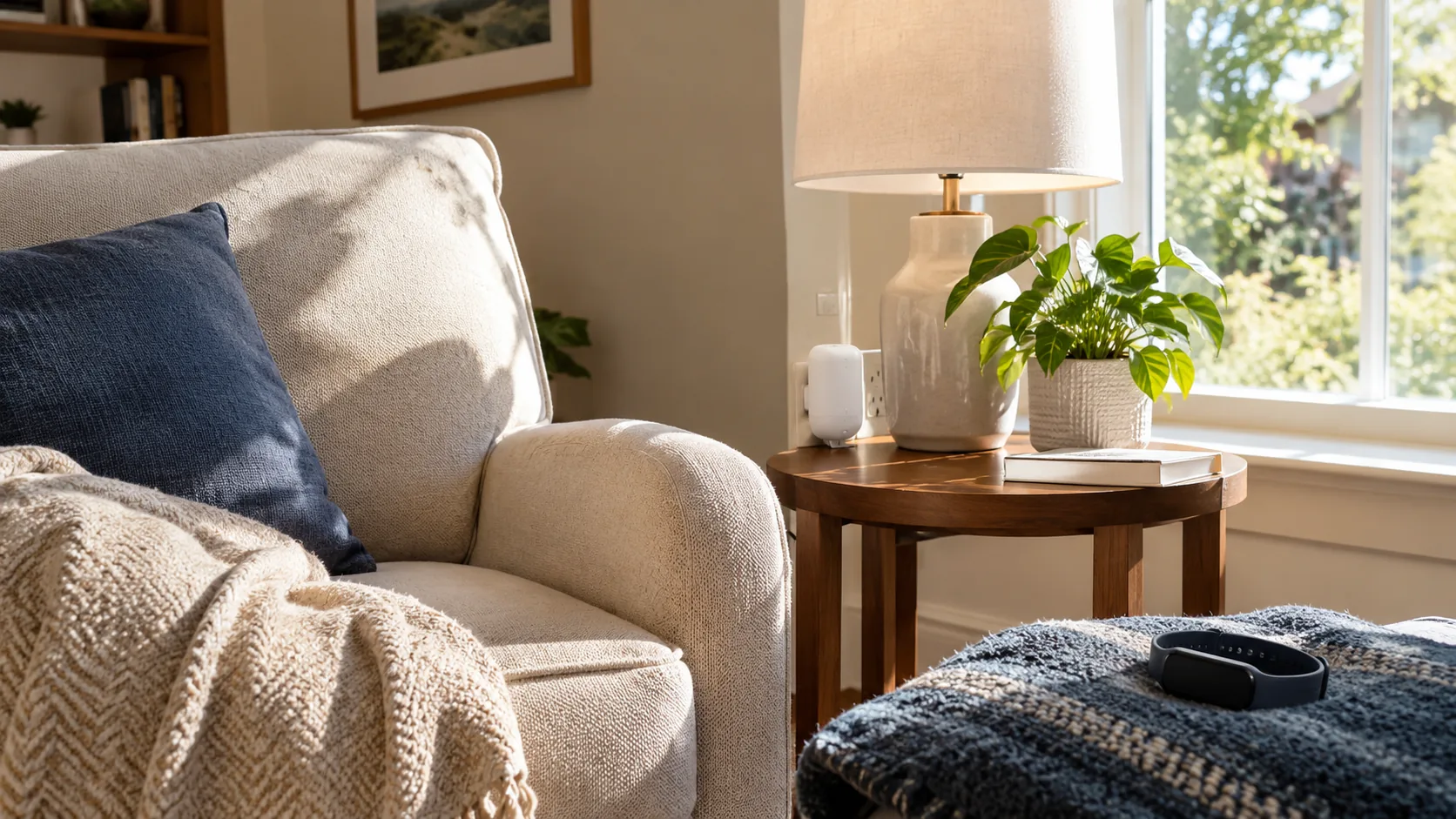
An emergency call button for seniors is a wearable or wall-mounted button that sends an alert when pressed. Choose by four things: whether it works only at home or also outside, whether a staffed center or your family receives the alert, how far the button reaches from its base, and how it is powered. This guide walks through each decision and ends with a setup checklist.
The emergency alert button for seniors you pick should match the person's day: someone who spends most hours at home needs different features than someone who walks to the mailbox, the garden, or the store.
Emergency call button for seniors: the four decisions
Work through these in order. Each answer narrows the list, and the table summarizes what to compare.
| Decision | Options | What to check |
|---|---|---|
| Where it works | In-home or mobile | Does the person leave the house alone? |
| Who answers | Monitoring center or family and caregivers | Who can respond, and how can they reach the home? |
| Range | Feet from button to base | Distance to the farthest room, garage, or yard |
| Power | Plug-in base, rechargeable or replaceable button battery | Who will recharge or replace it, and on what schedule |
| Wearing style | Wrist, pendant, wall or bedside | Will the person actually keep it on? |
Step 1: In-home or mobile button
An in-home button talks to a base unit or receiver plugged in at the house. It suits someone who is mostly indoors, and it does not need a cellular connection. Its limit is plain: once the wearer leaves the base's range, the button does nothing.
A mobile button or watch uses a cellular connection and often location tracking, so it can send an alert from outside the house. It adds a charging routine and, in many cases, a service plan. If the person drives, walks daily, or gardens far from the house, mobile is worth the extra upkeep.
A simple way to decide
- Rarely leaves the house alone: in-home button.
- Walks, shops, or travels alone: mobile device.
- Both: an in-home button for the house and a mobile device for outings, or one mobile device if charging is reliable.
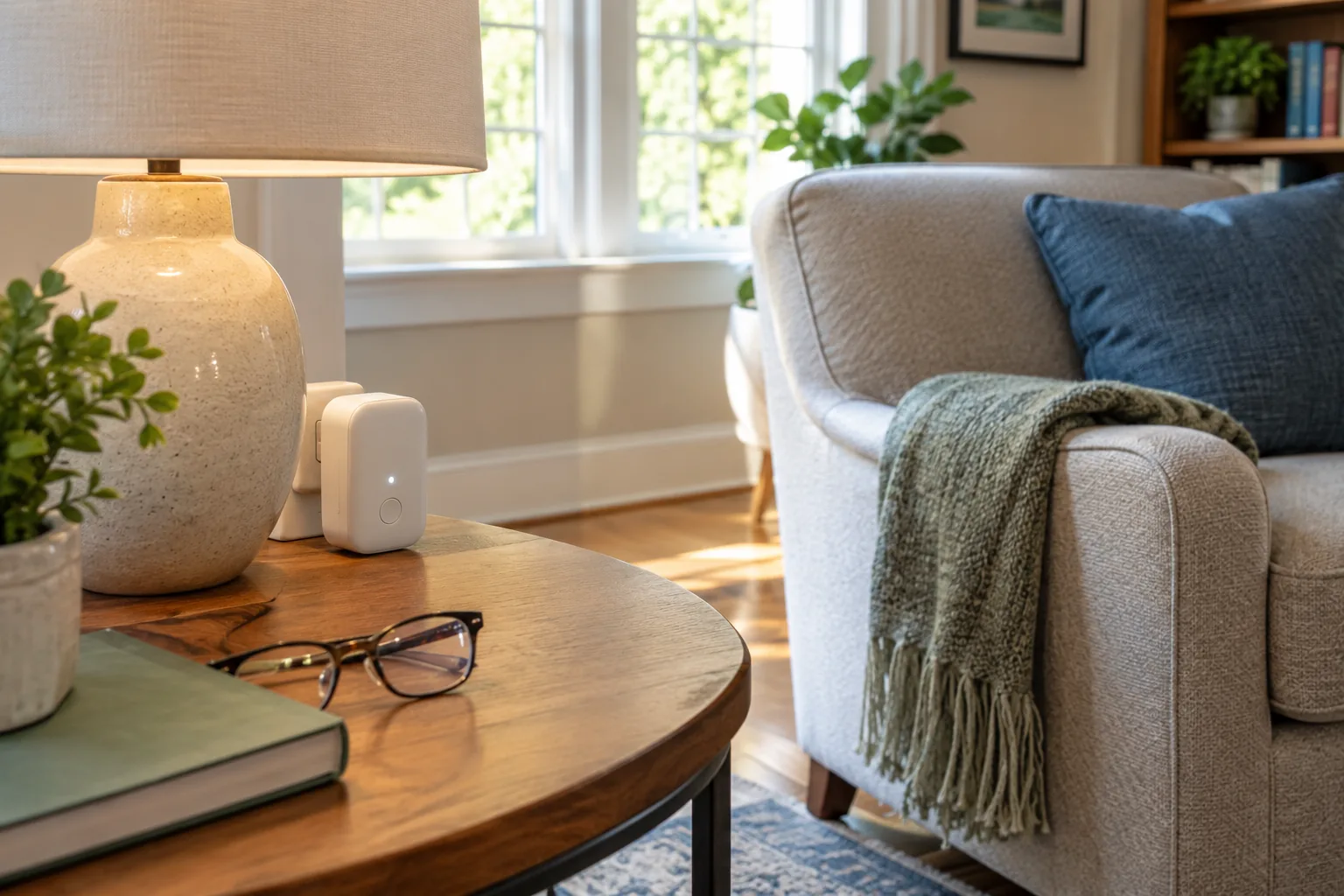
Step 2: Monitored or unmonitored
With a monitored system, a press connects to a staffed response center, often with a two-way speaker so an operator can assess the situation and contact emergency services or the contact list. This suits someone who lives alone with no family nearby. It typically comes with a recurring service fee, so ask for the full terms and any hidden fees before you buy.
With an unmonitored system, the alert goes straight to family members or caregivers, typically as a phone notification. There is no operator, so a person must see the alert and act. That works when several people are connected and someone can call, visit, or dial emergency services.
What an unmonitored system needs from you
- At least two people who will see the alert, in case one is busy.
- An agreed plan: who calls first, who drives over, when to call emergency services.
- Phone notifications turned on and kept audible overnight.
If you want an emergency call button for seniors with no monthly service plan, the family-alert type is the category to look at. Check the product page for any app terms.
Step 3: Range, power and water resistance
Range
Manufacturers state range as an open-space figure, meaning with nothing in the way. Walls, floors, and appliances reduce it in a real house, so treat the number as a ceiling. Measure the distance from the planned receiver spot to the farthest place the wearer goes, such as the back bedroom, basement, or yard, then test it there.
Power
Plug-in receivers need an outlet and a spot near home WiFi if the system uses it. Wearable buttons run on a rechargeable or replaceable battery, so decide who owns that task. Put a weekly reminder on a caregiver's calendar rather than relying on memory.
Water resistance
If the wearer will keep the button on in the bathroom, look for a stated water rating on it. Read the manual or product page for what the rating covers, and do not assume a button is meant for bathing unless it says so.
Fall detection
Some systems add automatic fall detection, which sends an alert without a press. Look for it if the wearer may not be able to press a button after a fall. Systems without it depend on a press, so the button must stay on the body, not on a shelf.
Where a WiFi family-alert button fits
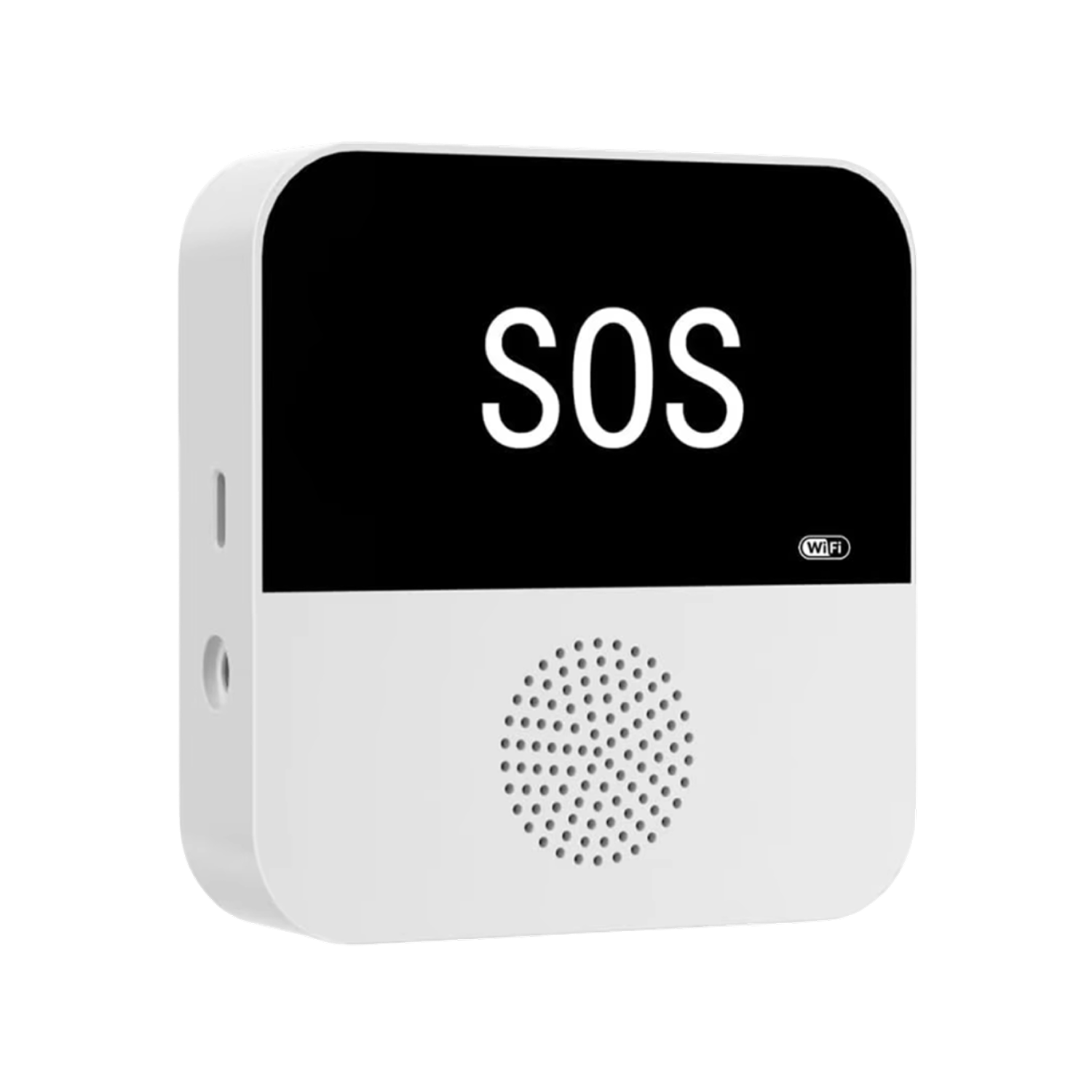
For households that want family and caregivers alerted, GuardianLink is a wireless call-button system built for that job. You press the button, and a USB-powered receiver on home WiFi sends an alert to the phones of connected family members or caregivers. Caregivers join in one app and get alerts on their phones, wherever they are.
It includes an SOS Wearable Watch worn on the wrist, so the button stays with the wearer from room to room. The button and receiver have a maximum open-space range of 330 feet. Each person gets a button, and the receiver has a 200-button capacity, which suits a shared household or a care setting.
You can choose a loud alert at 90dB with flashing lights, or a night mode that makes no sound. Twelve ringtones and four volume levels are available. Smart home app pairing works with two voice assistants.
Its limits are worth knowing. It works over home WiFi, so it is an in-home system, and the alert goes to people, not to a staffed center. The box holds the emergency button, the SOS Wearable Watch, and the USB-powered receiver. See the product page for details on battery and water rating.
 In this guideGuardianLink$99.99View
Setup checklist
Use this list on the day the device arrives. Follow the manual for each step and keep the unit away from water and heat sources.
- Choose the receiver spot: near an outlet, near the home WiFi router if required, and central in the house.
- Plug in the receiver and wait for it to power on as the manual describes.
- Install the app on each caregiver's phone and have everyone join the same group.
- Pair each button through the app, one wearer at a time.
- Pick the alert style: loud with flashing lights for daytime, night mode with no sound if the household sleeps near the receiver.
- Press the button from the farthest room, the bathroom doorway, and the yard edge. Confirm every caregiver's phone receives the alert.
- Write down who responds first, second, and when to call emergency services.
- Show the wearer how to press the button and have them practice once.
- Set a repeating reminder to test the button and check its battery.
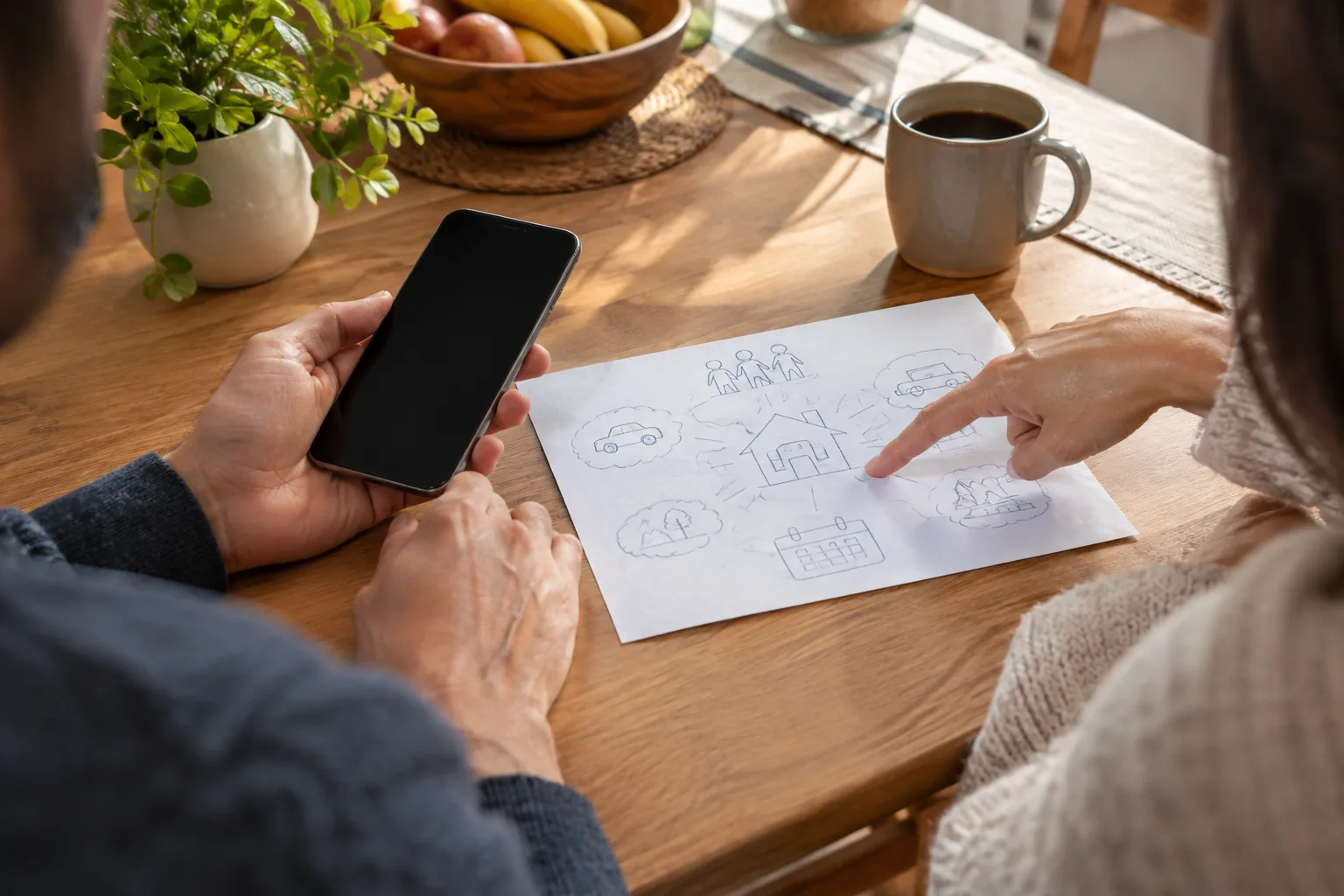
Common mistakes to avoid
- Leaving the button on a nightstand. A call button helps only when it is within reach, so choose a wrist or pendant style the wearer will keep on.
- Skipping the range test. Open-space numbers drop inside a house, so test from the far rooms.
- Relying on one caregiver. Connect more than one phone.
- Ignoring night mode. With no sound at the receiver, the alert reaches phones only, so confirm caregiver notifications are loud enough to wake someone.
- Forgetting upkeep. Check the battery on a set day each month.
For other daily-living items, browse the Personal Care & Mobility Aids collection. For another everyday care item to check before buying, see Rechargeable Electric Nail Clipper: What to Check Before Buying.
Quick match guide
| Situation | Fits |
|---|---|
| Lives alone, no family nearby | Monitored system with a two-way speaker |
| Family close by, mostly at home | WiFi family-alert button |
| Walks or travels alone | Mobile device with cellular connection |
| Shared home with several wearers | System with a high button capacity |
Whatever you choose, an emergency button supports a care plan and does not replace check-ins. Ask a local senior services office about a plan for someone with fall concerns.
Frequently asked questions
Keep reading
 Fitness & Vital Sign TrackersSmart Watch With Fall Detection for Seniors: What to Check8 min read
 Fitness & Vital Sign TrackersMost Accurate Smart Scales: How to Judge Accuracy Before You Buy8 min read
 Massagers for Neck, Back & FeetUnder the Desk Exercise: How to Choose a Quiet Leg Exerciser6 min read