
Smart Watch With Fall Detection for Seniors: What to Check
A smart watch with fall detection for seniors needs a clear detection method, a cancel step for false alerts, a defined connection, a charging routine and caregivers who receive the alert.
The Calvedon Team
November 8, 2026 · 8 min read
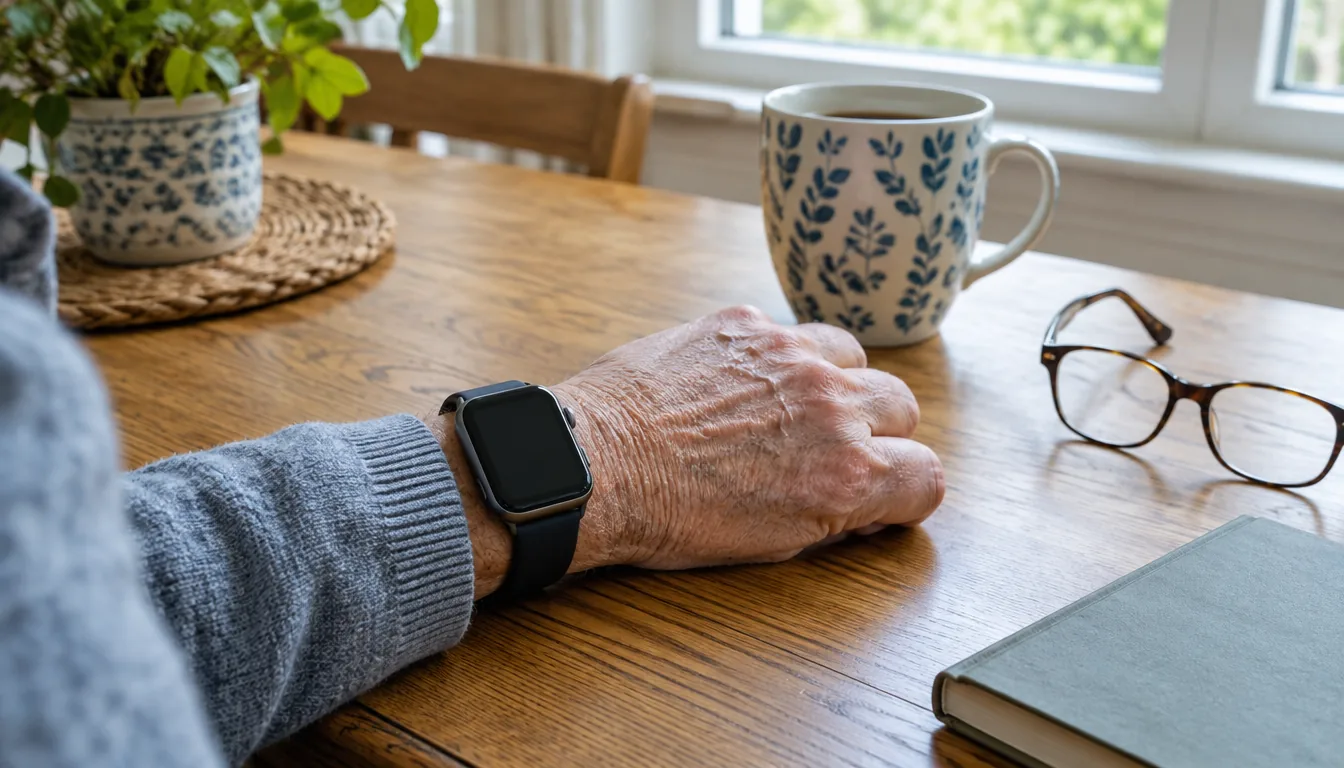
A smart watch with fall detection for seniors should do four things: sense a hard fall with motion sensors, give the wearer a clear way to cancel a false alert, send the call for help to people who will act on it, and fit into a charging routine. Check those four points before you look at color, strap or extras. This guide turns them into a spec checklist you can apply to any model, then shows where a watch fits and where a simple call button fits instead.
It is written for families choosing for a parent or relative, so it also covers who receives the alert, what a false alarm looks like and how the caregiver setup is done.
Choosing a smart watch with fall detection for seniors: the spec checklist
Use this table when you compare listings. If a product page does not answer a row, consider it an open question and ask the seller's customer service before you buy.
| Check | What to look for | Why it matters |
|---|---|---|
| Detection method | Motion sensors that look for a sudden impact followed by stillness | Defines what the watch counts as a fall |
| Cancel step | A prompt or countdown before the alert goes out | Lets the wearer dismiss an accidental trigger |
| Connection | Cellular built in, or paired to a phone | Decides where the watch can call from |
| Fees | Whether a monthly plan or monitoring center is required | Sets the ongoing cost of ownership |
| Battery and charging | Battery capacity, standby mode, charging cable type | A watch that is not charged cannot send an alert |
| SOS flow | A physical button, and who is called | The wearer should not need to find a number |
| Location | Satellite positioning outdoors, WiFi indoors | Shows a caregiver where the wearer is |
| Caregiver setup | A companion app on the family member's phone | Contacts and alerts can be changed without the watch |
| Wearability | Looks like an ordinary watch, easy to put on | A watch left on a dresser detects nothing |
The sections below take each row in turn, starting with how detection works.
How fall detection works and why false alerts happen
A wrist device reads movement with an accelerometer and a gyroscope. The software looks for a pattern: a rapid drop, an impact, then little or no movement. When the pattern matches, the watch starts an alert sequence.
Because the watch reads wrist motion, not the whole body, some everyday actions can resemble a fall. Clapping, dropping onto a couch or catching a hand on a counter edge can trigger it. Slow falls, such as sliding down a wall, may not produce the sharp impact the software looks for. Consider fall detection a backup to the SOS button, not a replacement for it, and keep the button in your plan.
What to ask about false alarms
- Is there a prompt or countdown before contacts are called, so the wearer can cancel?
- Can the wearer cancel with one press, or does it need menu steps?
- Can a caregiver adjust alert settings in an app?
- Does the listing say what happens if the wearer does not respond?
- Can the wearer turn detection off while, for example, doing yard work or exercise?
A cancel step matters for older adults who may be startled by an alarm. Practice it together once the watch is set up so the response feels familiar, and agree on what the wearer should do after a false alarm, such as texting the family to say all is well.
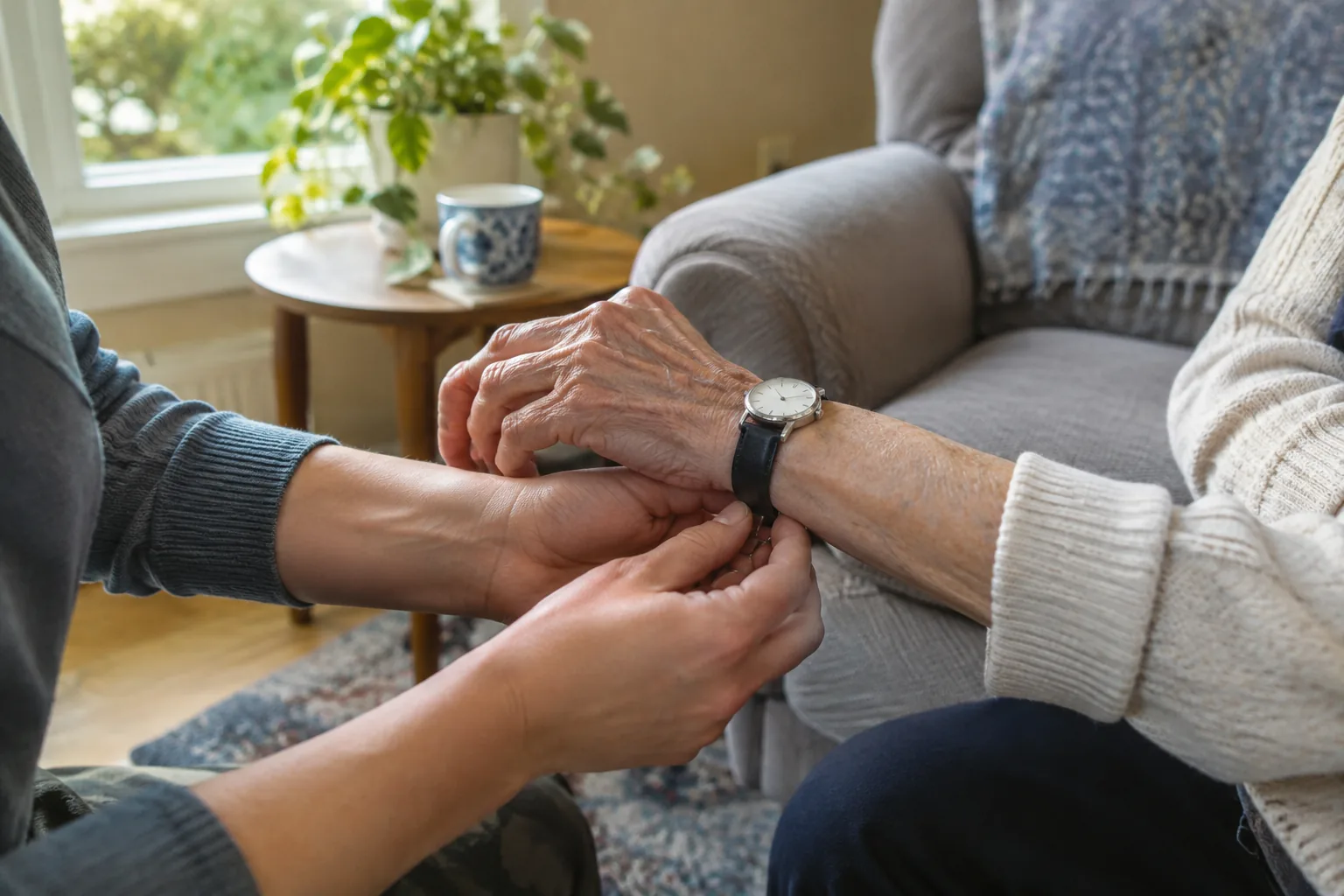
Cellular or phone-paired: choose the connection first
The connection type shapes everything else, so settle it early. Both types can suit a senior smart watch with fall detection, depending on the wearer's routine and where they spend their time.
| Type | How it calls | Points to check |
|---|---|---|
| Cellular watch | Has its own mobile connection | Needs a plan from the seller or carrier; check coverage where the wearer lives |
| Phone-paired watch | Relies on a nearby smartphone | The phone must be charged, close by and connected |
| Watch with companion app | Family manages contacts and location from their own phone | Confirm what the watch itself does when SOS is pressed |
Monitoring center or family contacts
Ask whether the watch needs monthly monitoring. Some devices route calls to a monitoring center, while others call family contacts directly. Neither is automatically right: a monitoring center can speak with the wearer and contact emergency responders, while direct calls put the decision with relatives. Pick the one that matches how your household would respond.
If the wearer often leaves the phone in another room, a phone-dependent watch has a gap. Check the product page for exactly how the watch connects before you choose.
Fees and subscriptions
If you want a device without a subscription, look for a listing that says plainly whether any plan is needed for calls, location or alerts. A cellular connection and a monitoring center are the usual reasons for a recurring fee. Coverage by an insurance plan varies, so ask the insurer directly rather than assuming.
Battery, charging and daily wear
The battery spec matters less than the habit around it. A watch that is awkward to charge ends up in a drawer, and a watch in a drawer cannot detect a fall.
- Look for the battery capacity in mAh and a low-power standby mode.
- Look for a magnetic charging cable rather than a small port that is hard to line up.
- Pick one charging time, such as overnight, and tie it to a routine like brushing teeth.
- Check whether the watch warns the wearer or the caregiver when the battery is low.
- Decide whether the watch is worn in bed; if not, charge it during an afternoon sit-down instead.
Do not rely on vague claims about battery life. Ask for the capacity and the charging method, and plan a charging habit rather than hoping the watch lasts between charges.
Daily wear matters just as much. Check that the strap can be fastened with one hand and that the case is comfortable to keep on through ordinary tasks like washing dishes. Look at whether the listing describes water resistance in its own words before wearing the watch near a sink or shower.
SOS flow and caregiver setup
The SOS flow is the sequence from pressing the button to someone answering. Write it down for your family, and check that each step is something the wearer can do while stressed.
A setup checklist
- Charge the watch and put it on the wrist the wearer will use every day.
- Install the companion app on the caregiver's phone and pair the watch.
- Add emergency contacts in order, and confirm each person agrees to be on the list.
- Set geofence zones, such as the home address, if the app offers them.
- Choose which alerts reach which caregiver.
- Press the SOS button as a drill, telling contacts first that it is a test call.
- Walk through the cancel step for a false alert.
- Check the location shown in the app against where the wearer actually is, both indoors and outdoors.
Keep the contact list short. Several people receiving the same alert can each assume another is responding, so agree in advance who calls first and who checks in by phone.
In an emergency, call 911 directly if the situation looks serious. A watch is a way to reach loved ones and share location, not a replacement for emergency services.
Where VitalOrbit fits the checklist
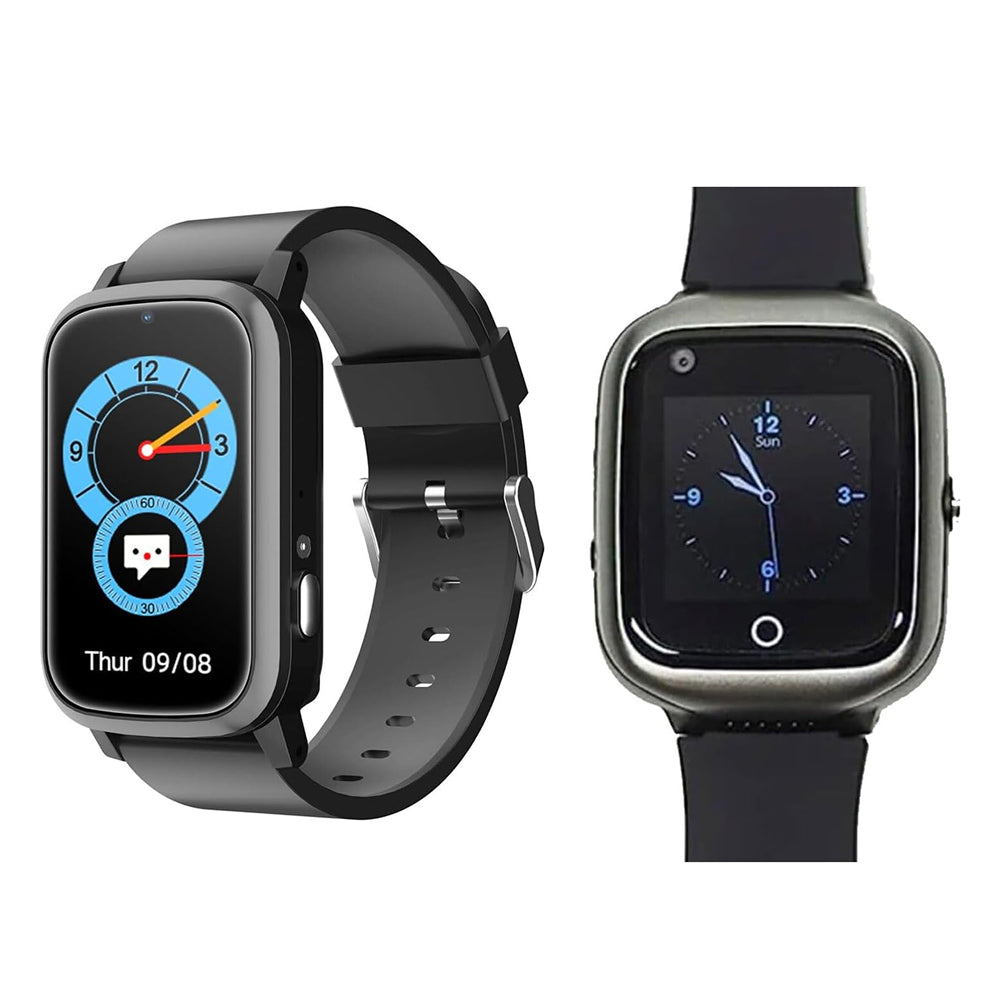
VitalOrbit is a smartwatch with fall detection, an SOS button and location tracking, worn on the wrist like an ordinary watch. That makes it a candidate as a smart watch for elderly with fall detection when the wearer would prefer something that looks like regular jewelry. Here is how it lines up with the checklist.
- SOS: one press calls the contacts you set in the app and shares location, so the wearer does not need to find a number.
- Location: GPS and Beidou satellite positioning outdoors, plus WiFi and LBS indoors.
- Battery: a 500mAh battery with low-power standby, and a magnetic charging cable.
- Caregiver setup: the companion app on your phone manages emergency contacts, geofence zones and alerts, so you adjust settings without touching the watch.
- In the box: the watch, magnetic charging cable, protective travel case and a quick-start user guide.
The product page is the place to confirm anything this list does not cover, such as how the watch handles its connection or what happens after a fall is detected.
 In this guideVitalOrbit$149.99View
Field note
Put the first charge on the calendar. Do the setup together on a relaxed day, then run one SOS drill with contacts warned in advance.
When a call button suits the household better than a watch
Not everyone will keep a watch on the wrist through the day. If the main concern is at home, a wearable call button or a button in each key room can fit. Our guide to an emergency call button for seniors covers types, range and setup.
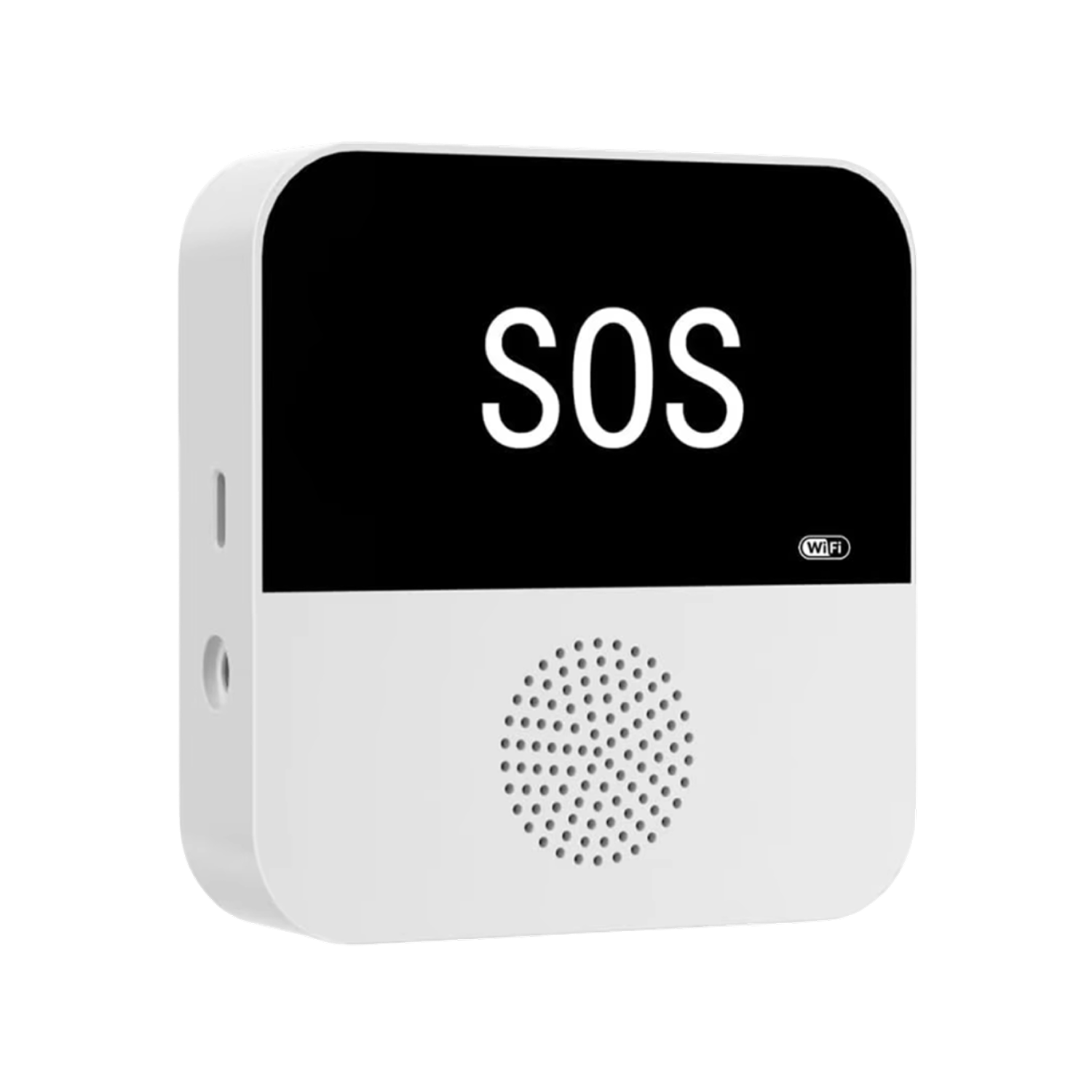
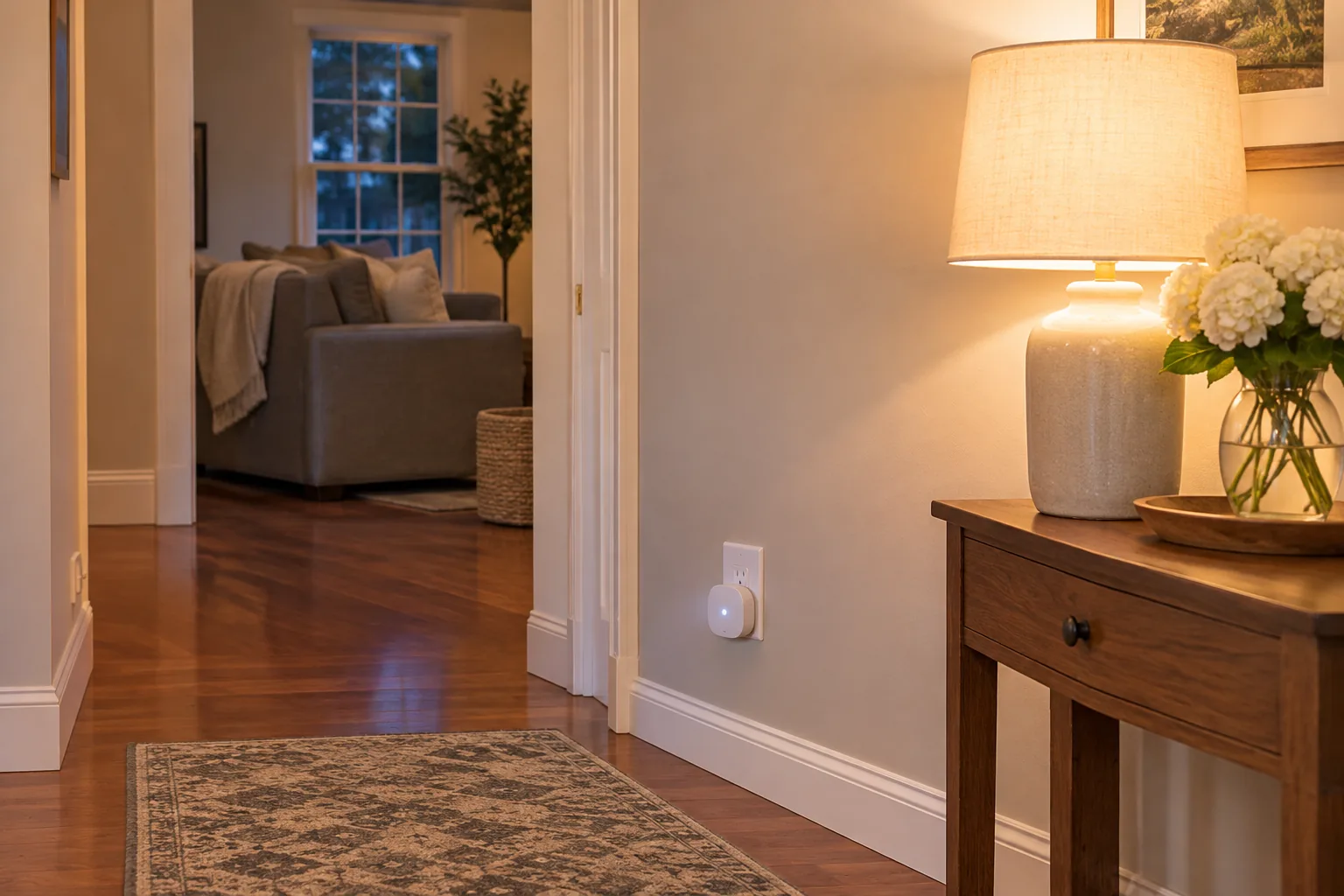
GuardianLink is a wireless call-button system for home. You press a button, and a USB-powered receiver on home WiFi sends an alert to the phones of connected family members or caregivers. Its facts relevant to this checklist:
- Each person gets a button, and the receiver has a 200-button capacity.
- Caregivers join in one app and get alerts on their phones.
- You can choose a 90dB alert with flashing lights, or a night mode that makes no sound.
- The lightweight SOS Wearable Watch is worn on the wrist, so the button stays with the wearer from room to room.
- The maximum open-space range between button and receiver is 330 feet.
It is a home system built around the receiver and home WiFi. The product page does not list fall detection for it, so think of it as a call button, not a fall sensor.
 In this guideGuardianLink$99.99View
Common mistakes to avoid
- Choosing on looks alone and skipping the cancel step.
- Assuming the watch works outside coverage or away from its paired phone without checking.
- Leaving the contact list unconfirmed, so a relative is surprised by a call.
- Skipping the drill. Practice makes the SOS press familiar.
- Ignoring fees. Ask what a monitoring plan covers before you rely on it.
- Expecting detection to catch every fall. Keep other precautions, such as good lighting and clear walkways.
If the wearer also wants to track steps or heart rate, our collection of fitness and vital sign trackers lists wrist devices built for that. For how wrist sensors read pulse, see how fitness tracker heart rate works.
Before you buy a smart watch with fall detection for seniors, run the checklist table once more, and ask the wearer's care team about any questions on daily needs. A watch is a tool for reaching help, nothing more.
Frequently asked questions
Keep reading
 Personal Care & Mobility AidsEmergency Call Button for Seniors: Types, Range and Setup Checklist6 min read
 Fitness & Vital Sign TrackersMost Accurate Smart Scales: How to Judge Accuracy Before You Buy8 min read
 Massagers for Neck, Back & FeetUnder the Desk Exercise: How to Choose a Quiet Leg Exerciser6 min read