
White Noise Machine Sounds: White, Pink, Brown, Fan and Rain
White noise machine sounds range from bright white noise to deep brown noise, fan hum and rain. Compare them side by side, then set volume and placement.
The Calvedon Team
October 13, 2026 · 7 min read · Updated October 14, 2026
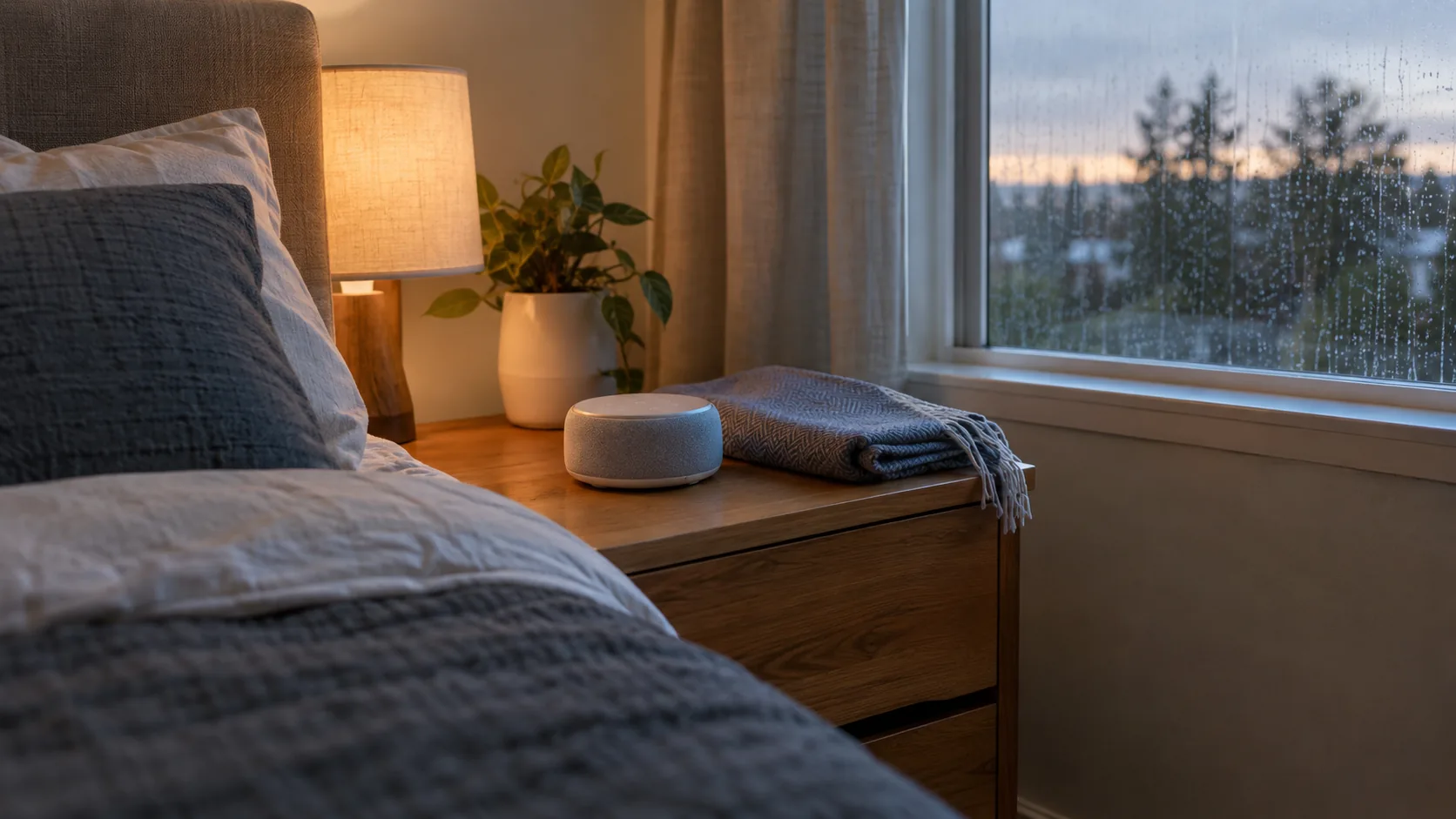
White noise machine sounds fall into a few families: white noise (an even, bright hiss), pink noise (softer and fuller), brown noise (a deep rumble), fan hum, and rain. They differ in pitch and texture, so the right one is the one you find comfortable at a low volume.
This guide compares each sound side by side, explains where to put the machine and how loud to set it, and lays out the real differences between a fan and a digital unit.
White noise machine sounds compared
Use this table to shortcut the decision. The descriptions are general: every machine renders these sounds a little differently, so use them as a starting point.
| Sound | What it sounds like | Character | Where it can fit |
|---|---|---|---|
| White noise | Static, a hiss like a radio between stations | Bright, high-pitched content | Rooms with sharp, high sounds nearby |
| Pink noise | Softer hiss, like steady wind or a distant waterfall | Mid-range, less sharp than white | General bedroom use, or if white feels harsh |
| Brown noise | Low rumble, like a strong river or a jet engine heard from inside | Deep, bass-heavy | Rooms with low sounds such as traffic or footsteps |
| Fan hum | Steady whir with a slight mechanical tone | Warm and familiar | If you want a plain, constant sound |
| Rain | Many small drops on a surface, sometimes with a low wash | Textured, natural | If you find hiss tiring to hear |
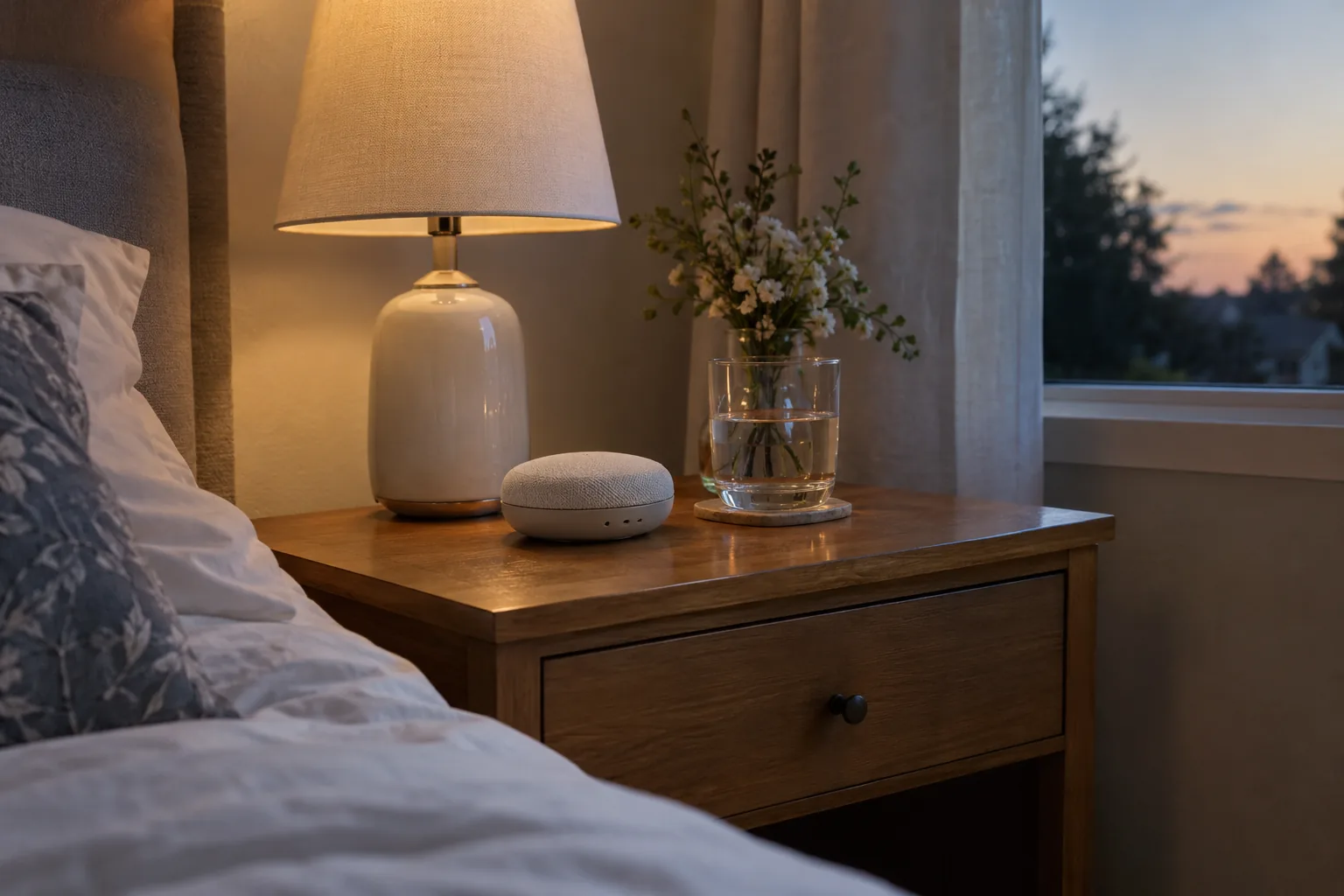
What each sound is actually like
White noise
True white noise spreads its level evenly across the range we hear, which is why it sounds bright. It is the classic "static" sound. Some listeners find the high end sharp after a while, especially at higher volume.
Pink noise
Pink noise has less strength as pitch rises, so it feels fuller and softer. If white noise sounds like a hiss, pink often sounds like steady wind. It sits between bright white and deep brown, so it is a middle starting point.
Brown noise
Brown noise is weighted toward low frequencies. It reads as a deep rumble rather than a hiss. Small speakers cannot always reproduce the lowest range, so on a compact machine it may sound thinner than it does on a large speaker.
Fan hum
Fan hum is a broadband, noise-like sound with a motor tone and airflow texture. Recorded fan hum on a digital machine gives you that familiar sound without moving air.
Generated noise vs recorded audio
A white noise generator machine can produce noise as it plays, while many others play a stored audio file. A recording is not truly random, so a short file can repeat and you may notice the seam. If repetition bothers you, look for continuous or non-looping playback.
For plain-language background on how noise colors differ and how sound is used at night, read a health guide to white noise and sleep. Keep to general reading, and ask a healthcare provider about any personal hearing or sleep question.
If you want to compare colors in your own room, a unit that offers all three is convenient. SomniWave plays white, pink and brown noise plus 30 recorded sounds such as rainfall and fan hum, with 36 volume levels and a timer, so you can switch between them without buying separate devices.
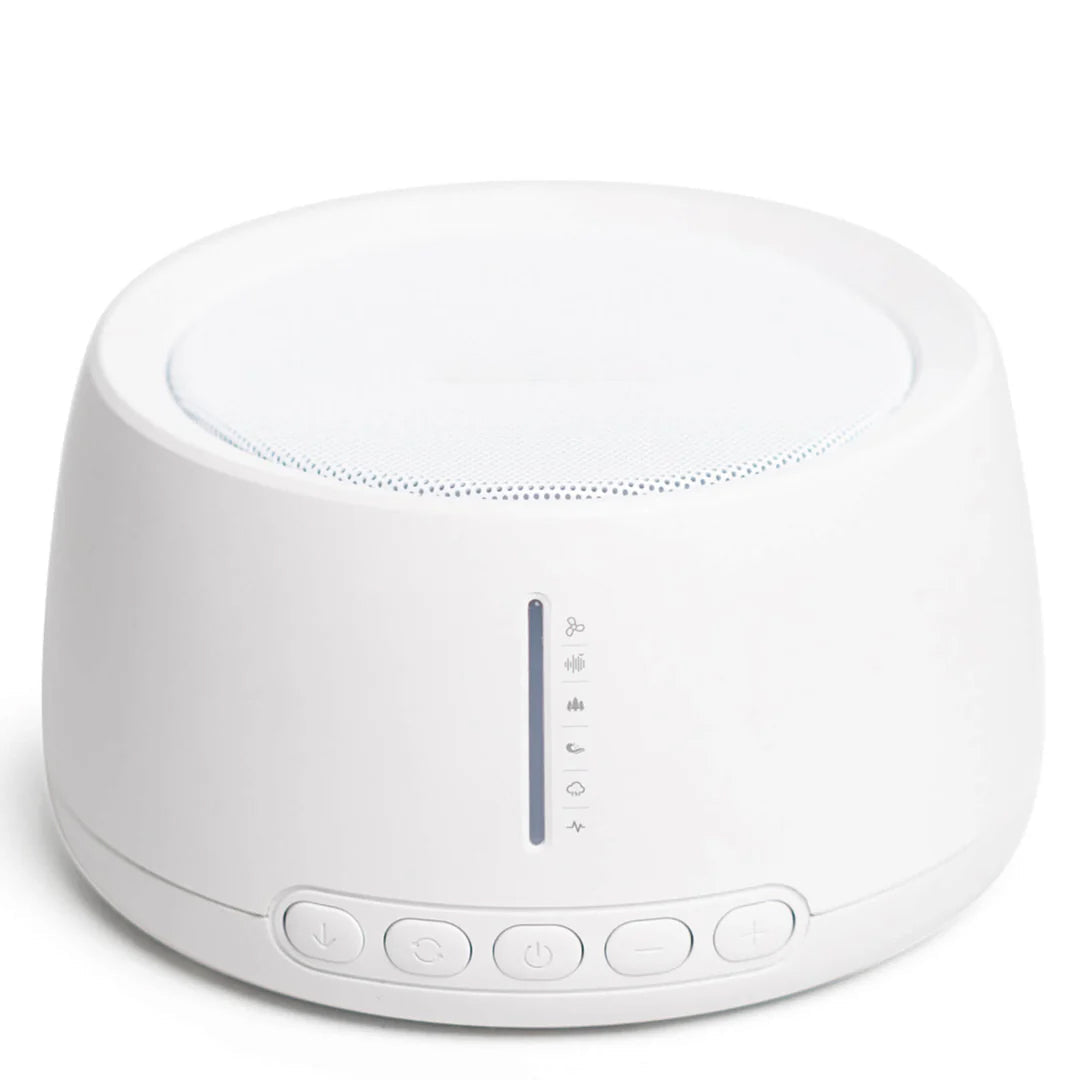 In this guideSomniWave$99.99View
Rain sounds: what to look for
When you pick a sound machine with rain, decide between a gentle patter and a heavier wash. The difference between units is mostly whether the recording sounds like real rain or like filtered noise. The same applies if you want a rain machine sound that suits a small bedroom.
- Texture: individual drops should be audible, not just a smooth hiss.
- Looping: short recordings repeat. Longer or non-looping playback avoids that.
- Variety: brook and ocean tracks give you alternatives if rain gets tiresome.
- Controls: a simple knob or button layout can be adjusted by feel in a dark room.
For a rain-focused unit with no app, NimbusRest stores 30 rain, brook and ocean tracks on the device and is controlled with a single knob for level and shut-off timer. There is no screen to light up the room, and it runs from a USB-C cable.
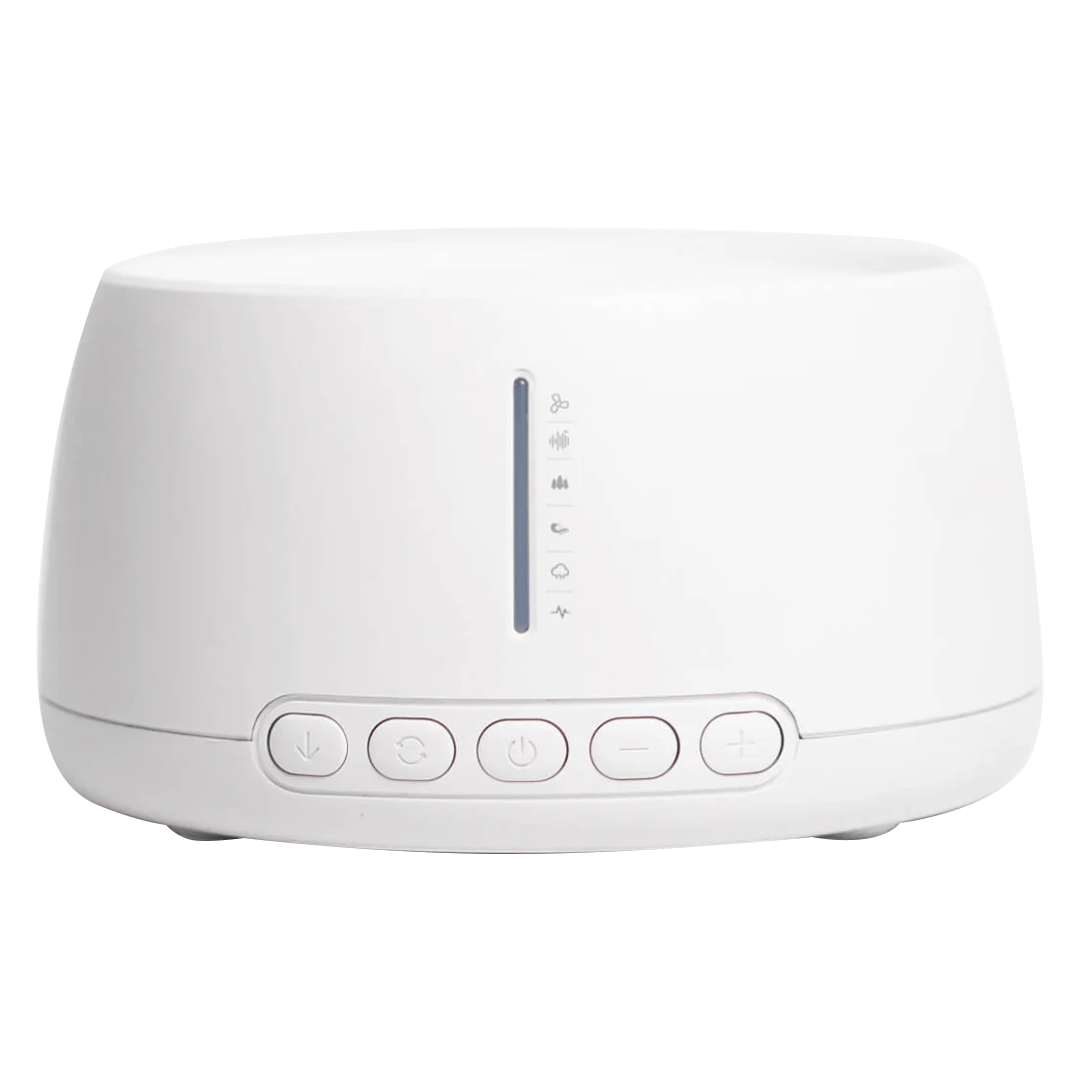 In this guideNimbusRest$99.99View
Fan vs digital sound machine
The two approaches suit different preferences. It comes down to what you want to control.
| Feature | Fan-based unit | Digital sound machine |
|---|---|---|
| Sound source | Real moving air and a motor | Stored recordings or generated noise |
| Choice of sounds | Usually one tone, adjustable by speed or housing | Many sounds, often with white, pink and brown options |
| Looping | No loop, because the sound is live | Depends on the model; some loop, some do not |
| Power | Mains outlet, typically | USB or rechargeable on some models |
| Portability | Larger body | Often palm-sized |
| Upkeep | Dust can collect on the fan parts | Wipe the casing and check the cable |
A digital unit lets you try several sounds to find what you like. A fan gives you one sound that does not repeat. If you want the variety and the non-repeating quality together, look for a machine whose tracks do not loop.
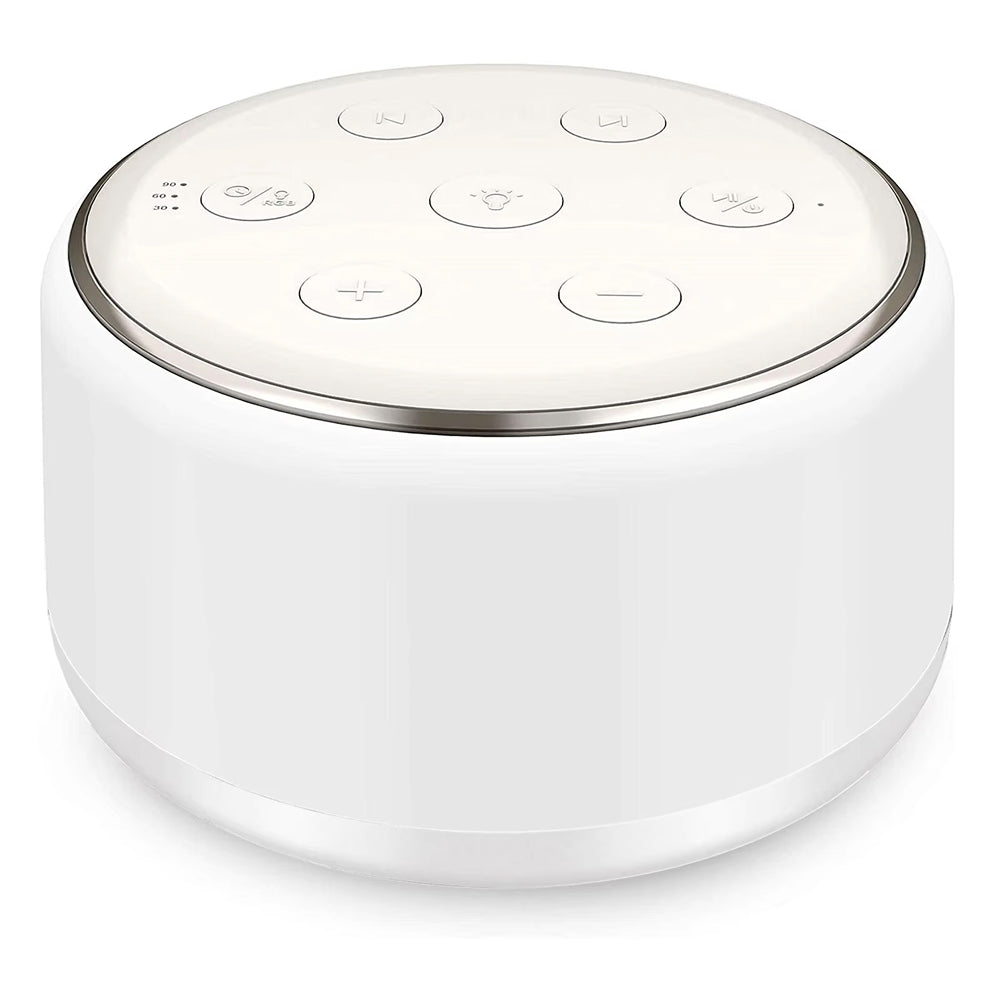
SonaRest has 34 soundscapes that play without a repeating loop, including deep fan hums and gentle rain. It is rechargeable through Type-C USB, has 32 volume levels, and includes a 7-color night light. If you prefer a fully dark room, check the manual for night-light settings.
 In this guideSonaRest$69.99View
Volume and placement
Two choices matter with any noise machine: how loud it is and where it sits.
Volume
- Start low and raise the level in small steps until the sound sits comfortably behind the room's other noises.
- Keep it below the level of normal conversation. A higher level does not help here, and long exposure to loud sound is a hearing concern.
- If you have questions about hearing, ask a healthcare provider before using a machine nightly.
- Follow the manufacturer's manual for any maximum level guidance.
Placement
- Bedside table: keep it an arm's length or more from your head, with the speaker not pointed straight at your ear.
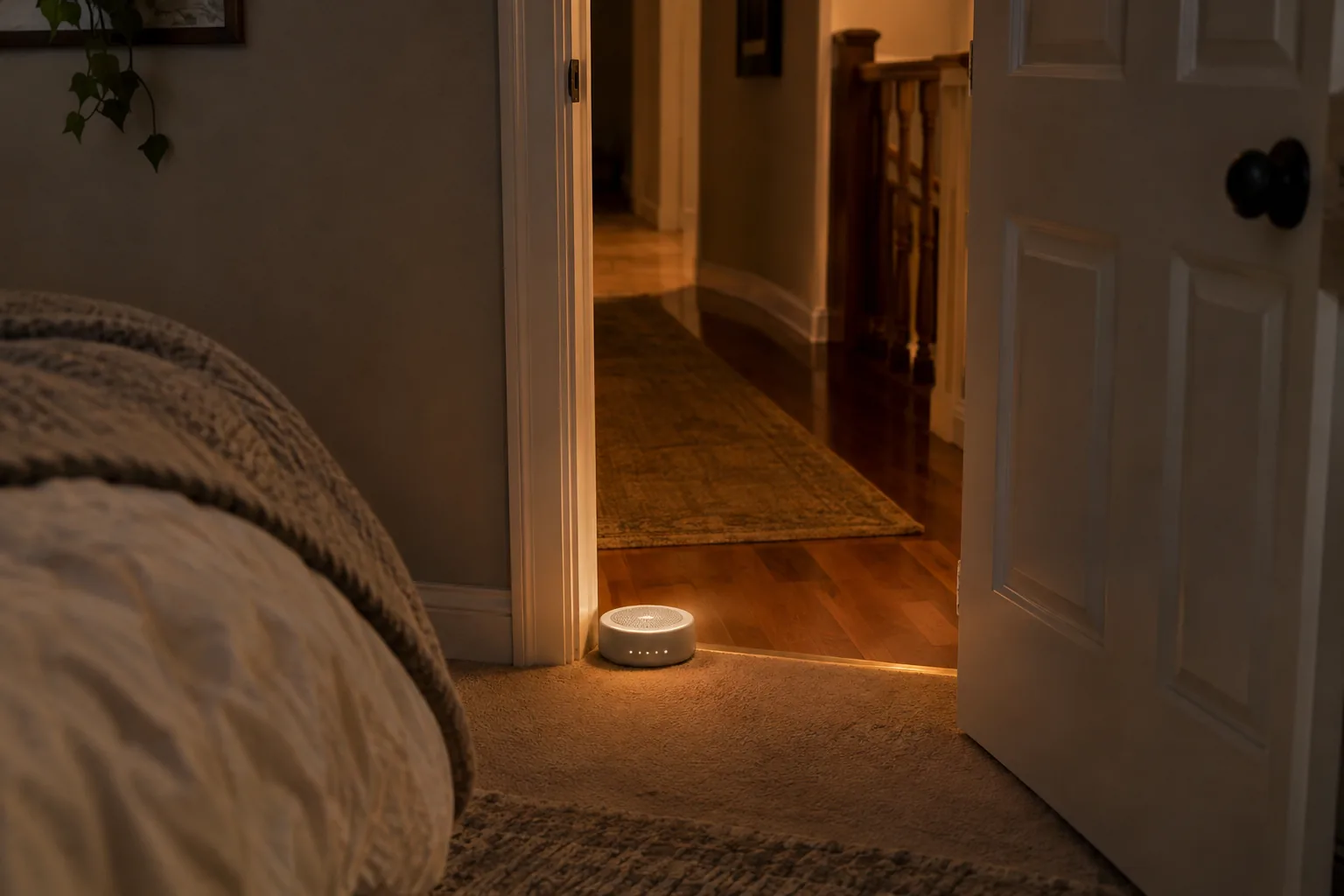
- Door or hallway: set the unit just inside the door, facing outward, if the sounds you want to cover come from the corridor.
- Window wall: for street noise, place it nearer the window than the bed.
- Shared rooms: for a white noise machine and snoring in the same room, put the sound source between you and the snorer rather than right at your own ear, and choose a steady sound with no sudden changes.
- Children's rooms: keep the machine and its cable out of reach, and follow the instructions that came with it.
Field note
Judge a sound at the volume you will really use. Some sounds seem pleasant for a minute and grating after an hour, so give each candidate a few nights before you decide.
How to choose a sound in five steps
- Name the noise in your room. Try white or pink when the background is sharp, high sounds, pink when it is mid-range voices, and brown or fan hum when it is low rumble such as traffic.
- Start with pink if you are unsure. It sits between bright white and deep brown, so it is a middle starting point.
- Compare one sound per night so you can tell them apart.
- Switch to rain or fan if any hiss feels harsh.
- Set a timer or all-night play depending on whether you want the sound to continue after you are asleep.
Sound is only one part of a sleep setup. If light is the other disruption, see how to choose a sleep mask.
Using a machine all night
You can run a sleep machine at a low volume through the night. Keep the level modest, place the unit away from your head, and check the manual. If you have concerns about hearing or about a child's use, ask a healthcare provider. A timer is an option if you would rather the sound end on its own.
Common mistakes
- Setting the volume too high, which can make the sound itself the thing you notice.
- Pointing the speaker directly at your ear.
- Choosing a short looping recording and then hearing the repeat.
- Changing sounds every night, so it is hard to learn what suits you.
- Leaving the cable where it can be pulled or tripped on.
Simple care routine
- Weekly: unplug the unit, then wipe the casing with a dry or slightly damp cloth.
- Monthly: check the cable and connector for wear, and clear dust from speaker openings.
- When traveling: unplug and pack it in a pouch or box so the knob and ports stay covered.
- Rechargeable units: charge with the supplied cable and follow the manual for storage.
If you also want a sound option that stays with you away from home, our White Noise & Sleep Earbuds collection covers a more personal setup.
Frequently asked questions
Keep reading
 Cooling & Heated BeddingHow to Use a Cervical Pillow: Orientation, Height and Sleep Position8 min read
 Sleep Masks, Snoring & Apnea AidsHow to Choose a Sleep Mask: Fit, Material and Light Blocking7 min read
 Dryers, Irons & Light-Based Hair DevicesHow to Use a Beard Straightener Without Frying Your Beard7 min read