Alarm Clock With Sunrise Simulation: How It Works and Setup Tips
An alarm clock with sunrise simulation raises its light gradually before the alarm sounds. This guide covers ramp length, color, brightness, sound and a step-by-step setup checklist.
The Calvedon Team
October 18, 2026 · 6 min read
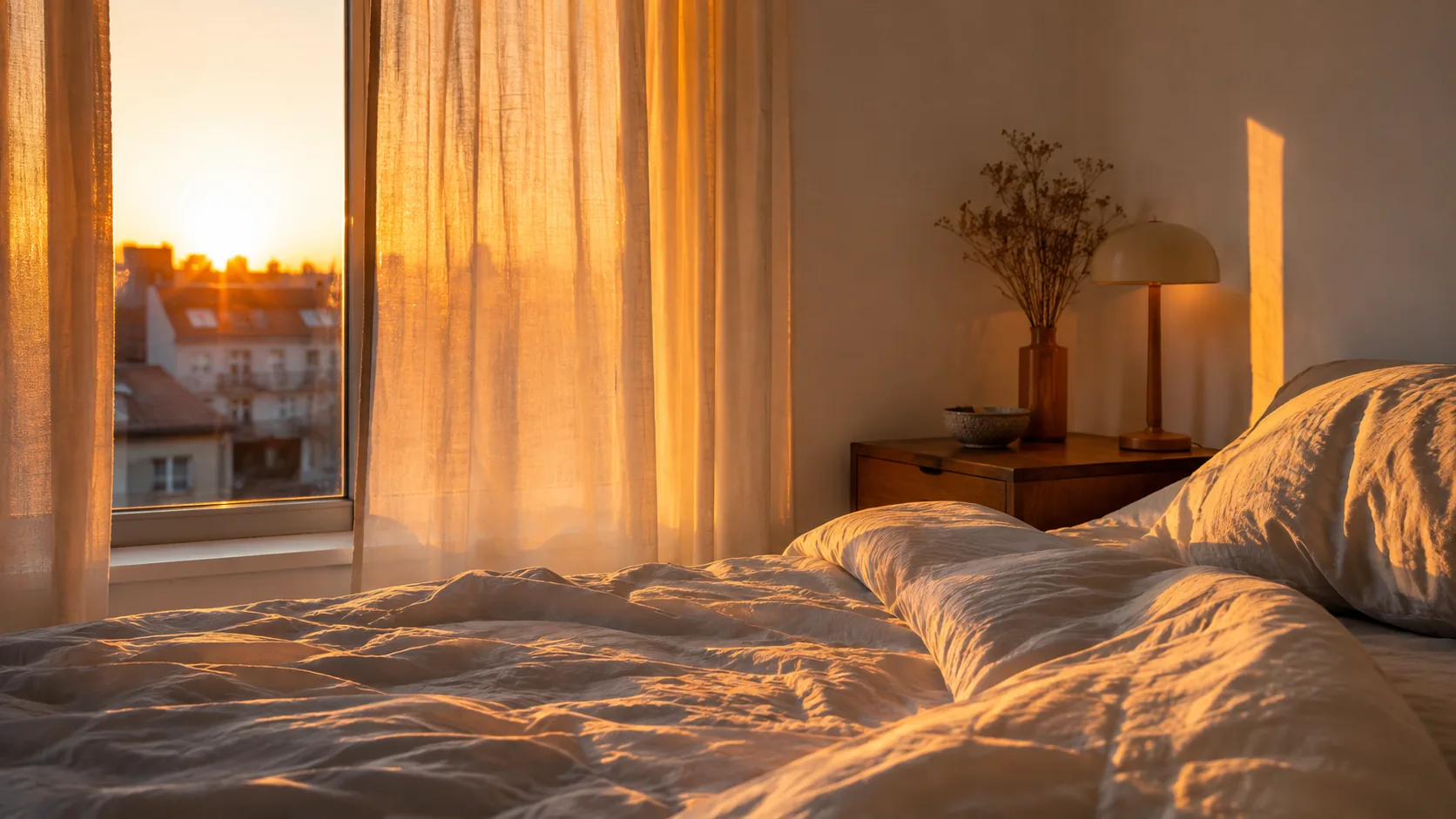
An alarm clock with sunrise simulation starts glowing before your alarm time and brightens step by step, so the room is lit when the sound begins. You set a wake time, choose how long the light climbs, and pick a color, brightness and sound. This guide explains each setting and gives you a checklist for the first week.
It focuses on settings rather than brand picks, so you can judge any sunrise alarm clock by the same criteria.
How an alarm clock with sunrise simulation works
A sunrise clock combines a lamp, a clock and a speaker. Before the alarm time, the lamp begins at a dim, warm glow and increases in brightness. At the alarm time, the light has reached its set level and your chosen sound plays.
The idea is to imitate a natural sunrise: low red-orange light first, then a brighter glow. A standard alarm skips that stage and goes straight to sound.
The parts you control
- Wake time: when the sound plays and the light finishes its climb.
- Ramp length: how long the light takes to go from dim to full.
- Light color and maximum brightness.
- Alarm sound and volume.
- Evening features such as a sunset mode and a dimmable display.
For background reading on the research behind simulated dawn, see Effect of simulated dawn on quality of sleep.
Ramp duration: choosing how long the sunrise lasts
Ramp duration is the stretch between the first glow and your alarm time. A short ramp reaches full brightness quickly, while a long ramp spends more time at low, warm levels. The right choice depends on how you like to wake and how deeply you sleep.
Start with a middle setting, then adjust after a few mornings. If you open your eyes to a bright room and feel startled, lengthen the ramp. If the light seems to be on for a long time before you stir, shorten it.
| Ramp length | What it looks like | Worth trying if |
|---|---|---|
| Short | Light climbs steeply toward full brightness | You wake easily and want a brief lead-in |
| Medium | A steady climb from red-orange to bright | You are setting up for the first time |
| Long | A slow, gradual climb with a long dim stage | You are a heavy sleeper or want a soft start |
Check the manual for the lengths your clock offers. On the DawnRise Pro, you choose the length of the sunrise on the device itself.
Brightness and color settings
Two settings shape how the light feels: color and maximum brightness. The sunrise itself usually starts as a warm red-orange glow, and brightness is the level it climbs to.
Brightness
Set the maximum high enough that you notice the room lightening with your eyes closed, but not so high that it feels harsh. Clocks with many brightness levels let you fine-tune this in small steps. The DawnRise Pro has 20 brightness levels.
Color
Warm tones suit the start of a sunrise and bedtime use. Other ambient colors work as a reading or wind-down light. The DawnRise Pro offers 15 light colors, set on the clock.
Display brightness
A bright clock face can be distracting in a dark room. Look for a dimmable display with an off option. The DawnRise Pro has four display levels, including off.
Field note
Change one setting at a time and give it a few mornings. If you adjust ramp length, brightness and sound together, you will not know which change made the difference.
Sound and sunset mode
The light handles the lead-in, and sound covers the alarm itself. Choose a sound that you can hear without a jolt, then set the volume low and raise it only if needed. Options such as rainfall or white noise are found on some sunrise clocks. If you want to compare sound types, see White Noise Machine Sounds: White, Pink, Brown, Fan and Rain Compared.
Some sunrise clocks also run the process in reverse at night. Sunset mode slowly dims the light and softens the sound, and on the DawnRise Pro you choose how long the dimming lasts to match your bedtime routine.
Setup checklist for the first week
- Place the clock on a nightstand or shelf where the light reaches your face, without sitting directly in your eyes.
- Plug in or charge it using the supplied cable, and read the quick-start manual.
- Set the current time first, then the wake time.
- Choose a medium ramp length.
- Pick a warm color and a mid-level maximum brightness.
- Select a sound and set the volume low.
- Dim or turn off the display.
- Try sunset mode in the evening if your clock has one.
- Keep the same wake time for several days before changing settings.
Follow the manufacturer's instructions for power and placement, and keep cords away from the bed and out of reach of children.
Common setup mistakes
Most problems come from placement or from changing too much at once. Check these first.
- Placing the clock behind a lamp, book or glass, which blocks the light.
- Leaving the display bright so it competes with the sunrise.
- Setting the wake time on one day and the weekend alarm on another, then wondering why the schedule feels uneven.
- Using a very short ramp and a loud sound together.
- Expecting the light to work through a thick, closed sleep mask.
If outside light from streetlamps or early sun affects your room, light control matters too. The guide How to Choose a Sleep Mask: Fit, Material and Light Blocking covers blocking light at night, and you can browse the sleep masks, snoring and apnea aids collection for options. Keep in mind that a mask will also block your sunrise clock, so use one only on mornings when you do not need the light.
How the DawnRise Pro handles these settings
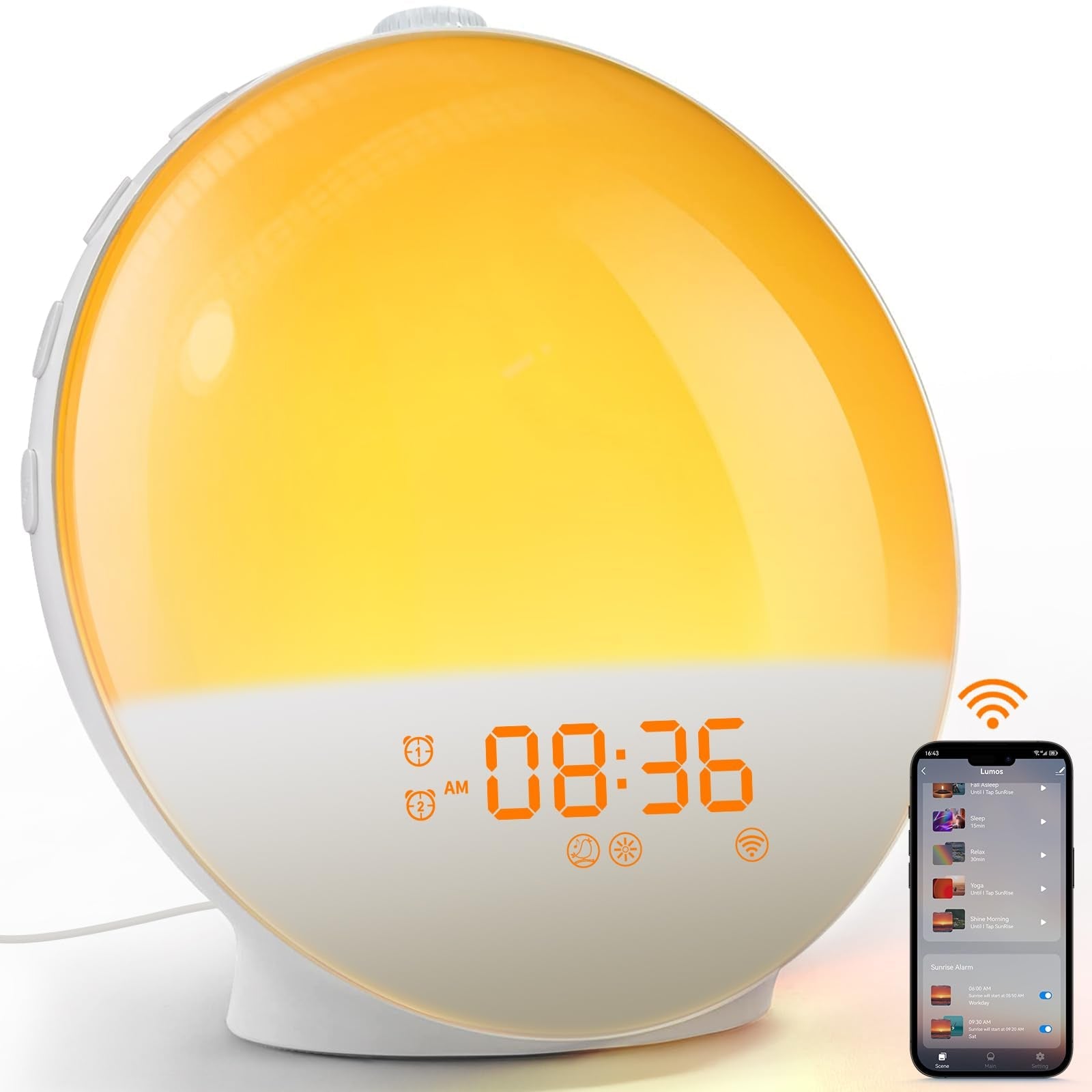
The DawnRise Pro is an alarm clock with sunrise simulation that brightens gradually from a warm red-orange glow before your alarm time. Alarms, sunrise length, colors and sounds are all set directly on the clock, so you do not need to pair a phone or create an account.
It also includes sunset mode, 15 light colors, 20 brightness levels, nature sounds including rainfall and white noise, and a display with four levels. The box contains the clock, a USB charging cable and a quick-start user manual.
 In this guideDawnRise Pro$99.99View
What to check before you buy any sunrise clock
| Feature | What to look for |
|---|---|
| Ramp length | Adjustable on the device |
| Brightness | Several levels, so you can set a comfortable maximum |
| Color | A warm option for the sunrise stage |
| Sound | Options you like at low volume |
| Display | Dimmable, with an off setting |
| Controls | Settings on the clock or in an app, whichever you prefer |
| Evening mode | A dimming light for your wind-down routine |
Use the table as a filter: if an alarm clock with sunrise simulation lets you adjust each row, you can tune it to your room and routine.
Field note
Keep your wake time consistent for the first week. A steady schedule makes it clear whether your sunrise settings suit you.