
Noise-Canceling Earbuds for Sleep: What to Check Before Buying
Check four things before you buy: how flat the bud sits against the pillow, how it reduces noise, how the battery and alarm work, and whether earplugs would suit you better.
The Calvedon Team
October 20, 2026 · 7 min read
Noise-canceling earbuds for sleep work when they are flat enough to lie on, fitted well enough to lower room noise, and set up with an alarm that still wakes you. Check the bud's thickness first, then the type of noise reduction, then battery and alarm handling. If you only want quiet and no audio, earplugs are an alternative worth weighing.
This guide gives you a checklist in that order, a table that compares earbuds with earplugs, a care schedule, and a short list of fitting mistakes to avoid.
The checklist at a glance
Use this table while you compare listings. Each row is a question you can answer from a product page or spec sheet.
| Check | What to look for | Why it matters |
|---|---|---|
| Profile height | A listed thickness in millimeters or centimeters | A bud that sticks out presses on the pillow when you lie on your side |
| Weight per bud | A weight in grams | A light bud puts less load on the ear as you turn over |
| Noise method | Active noise cancellation, passive sealing, or sound masking | Each method addresses different sounds |
| Ear tips | Several sizes, ideally foam or silicone | The seal depends on the tip matching your ear canal |
| Battery | Hours per charge and how the case recharges the buds | Compare the figure with the hours you sleep |
| Alarm | An alarm that plays through the buds, or a clear backup plan | Blocked sound can mean a missed phone alarm |
| Care | Cleaning tool, replaceable or washable tips | Buds worn overnight need regular cleaning |
Side-sleep profile: thickness and weight come first
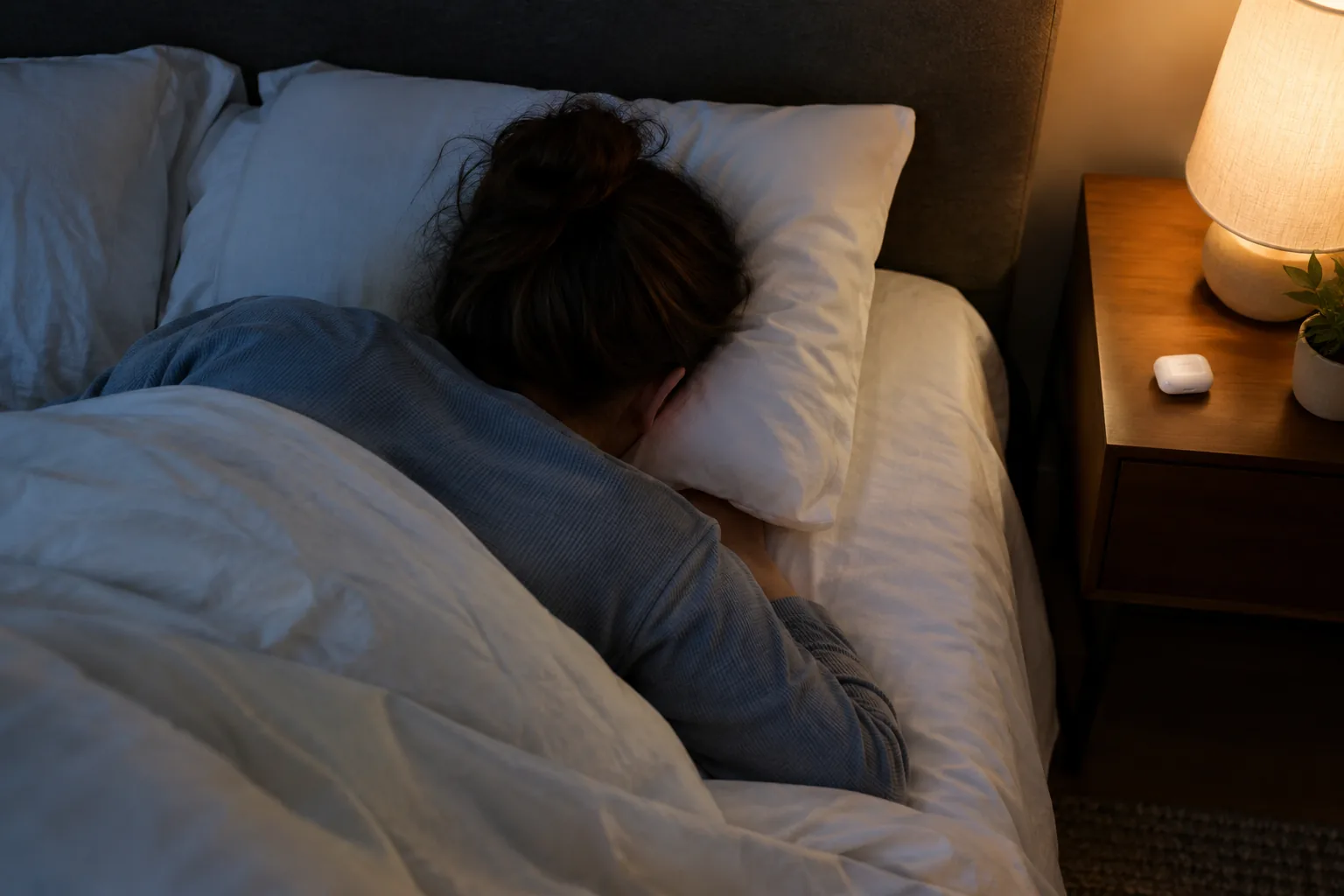
Standard wireless earbuds are built for upright wear, with stems and bulky housings. When you lie on one, the housing is pushed into your ear. For side sleep earbuds, look for a low, flat body with no stem.
Compare the numbers rather than the marketing copy. HushPods list a flat 0.6 cm profile (about 0.24 inch) and 2.5 g per bud (about 0.09 oz), and the low shape is made for side sleepers who lie with an ear against the pillow. If a listing gives no thickness at all, treat that as missing information and ask the seller before you buy.
Back sleepers have more freedom, because the ears are not pressed into anything. Even so, a flat bud is easier to forget about when you roll over during the night, so a thickness figure is still worth checking.
Pillow type changes the answer
A firm, high pillow pushes the ear down harder than a soft one. If you already use a shaped pillow for neck alignment, our guide to using a cervical pillow covers orientation and height, which also changes how much pressure lands on your ear.
Noise-canceling earbuds for sleep: ANC, passive sealing and masking
Three different methods are sold under the same label, and a sleep product may use one or a mix.
- Active noise cancellation (ANC) uses microphones and electronics to counter steady sound such as household hum.
- Passive sealing relies on the tip filling the ear opening, so the physical seal does the work. This is also called passive noise isolation.
- Sound masking plays white noise or soundscapes over what you hear. For more on the sound types themselves, see white, pink, brown, fan and rain sounds compared.
ANC is aimed at steady, low-pitched sound. Sudden sounds such as a door or a voice may remain audible, which is where a snug seal and masking sound come in. If a partner snores, look for a combination of seal and masking rather than ANC alone.
What HushPods use
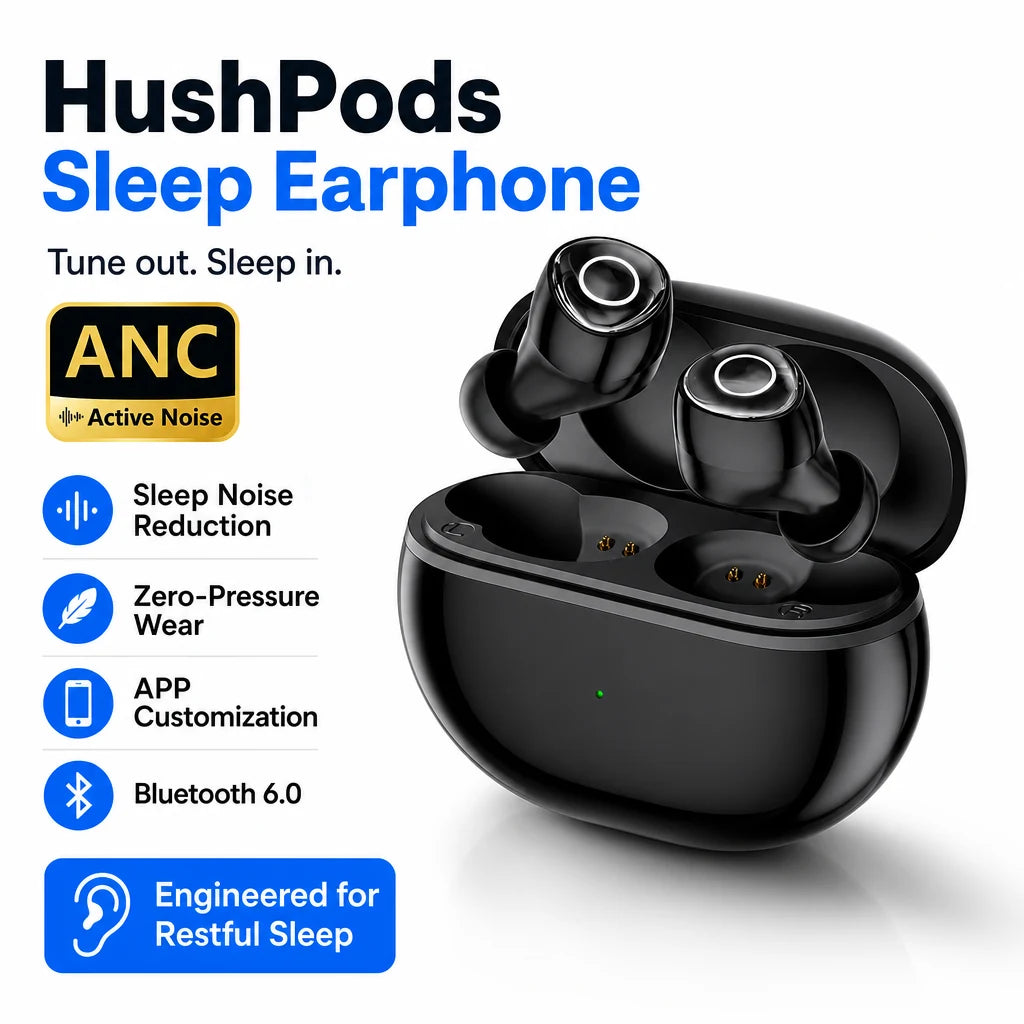
The HushPods use active noise cancellation to reduce ambient sound in the room, such as household hum or noise from nearby sleepers. You turn sleep mode on from the right bud, and the buds also offer white noise. They are sleep specific earbuds: the shape, the sleep mode and the companion app are all built around bedtime use.
 In this guideHushPods$89.99View
Sleeping with music or without it
Decide this before you shop, because it changes which features matter. Some sleepers want silence, some want steady white noise, and some want a playlist or a podcast.
Without music
If you want quiet, a good seal matters more than any audio feature. Both earbuds with ANC and plain earplugs can serve here. Look at the tip sizes and how the body sits against the pillow.
With music or soundscapes
For audio, check what the companion app offers. HushPods include soundscapes, six EQ presets and space for your own audio. Keep the volume low, since the buds sit close to the ear canal for hours at a time.
If you mainly want a steady background hum, the choice of sound matters as much as the hardware. Pink, brown and fan sounds feel different at night, so try a few to find a sound profile you like.
Battery length, charging and the alarm
Read the battery line as a question about your night. Does the listed run time per charge cover the hours you sleep, with margin? Does the case recharge the buds, and where does it sit? A bedside charging case turns charging into part of the routine: the buds go back in the case in the morning.
The HushPods ship with a bedside charging case and a USB-C cable. A run time per charge is not stated in this guide, so check the product page before you decide.
Alarms need a plan
Sleep earbuds can lower the sound of a phone speaker on the nightstand. Choose one of these approaches:
- Use an alarm that plays through the earbuds. HushPods include a personal alarm in the companion app, so you can set your own wake-up sound.
- Add a second wake-up source that does not depend on sound, such as a sunrise light. Our guide to an alarm clock with sunrise simulation explains how those work.
- Try the alarm on a weekend morning before you depend on it for a work day.
Field note
Before your first full night, wear the earbuds for an evening on the couch with the lights low. If you notice pressure in the ear, change the tip size before you change the product.
Earbuds vs earplugs for sleep
Earplugs are a fair alternative, and they suit some sleepers better. The table compares the two on the points above, using the two products we stock.
| Point | Sleep earbuds (HushPods) | Sleep earplugs (NoctaVeil) |
|---|---|---|
| Noise method | Active noise cancellation plus white noise | Physical plug with a dual-core filter |
| Profile | 0.6 cm thick, 2.5 g per bud | Body under 5mm outside the ear |
| Tips | Silicone S, M, L with foam inserts | Soft silicone in XS, S, M and L |
| Audio and alarm | App with soundscapes, six EQ presets, your own audio, personal alarm | No audio |
| Charging | Bedside case with USB-C cable | None needed; compact storage case |
| Care | Cleaning tool for the mesh and tip | Weekly rinse with soap and water, air dry |
If you want sound at bedtime, an alarm in the ear, or a choice of soundscapes, earbuds fit. If you want no app and no charging, earplugs fit. Either way, the same fitting rules apply: low profile, the right tip, and a plan for waking up.
 In this guideNoctaVeil$69.99View
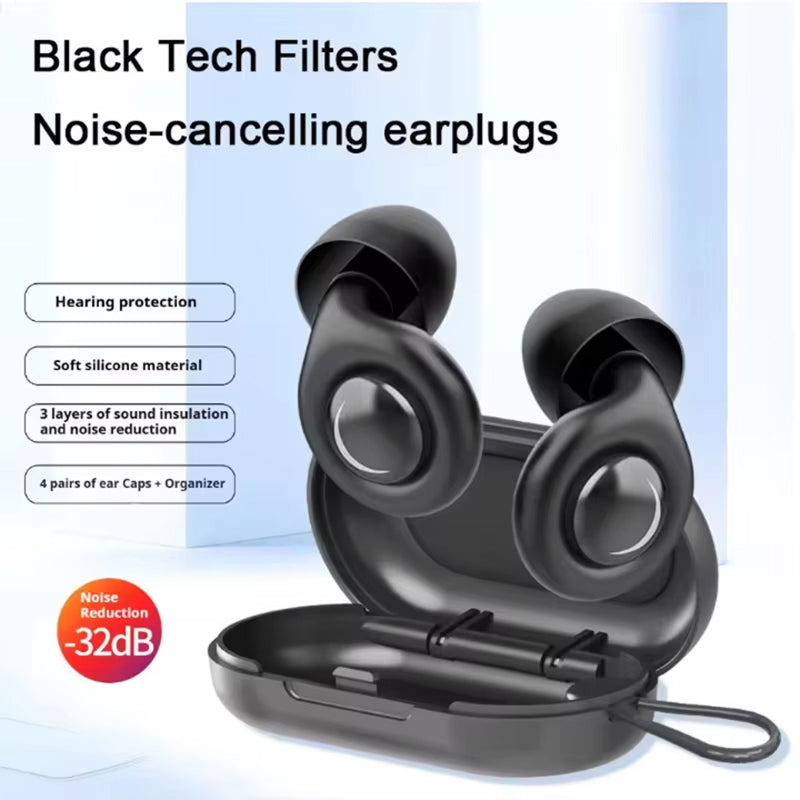
The NoctaVeil earplugs are reusable silicone with four tip sizes. You try each size and keep the one that sits snugly and comfortably in your ear. To compare more options, browse the White Noise & Sleep Earbuds collection.
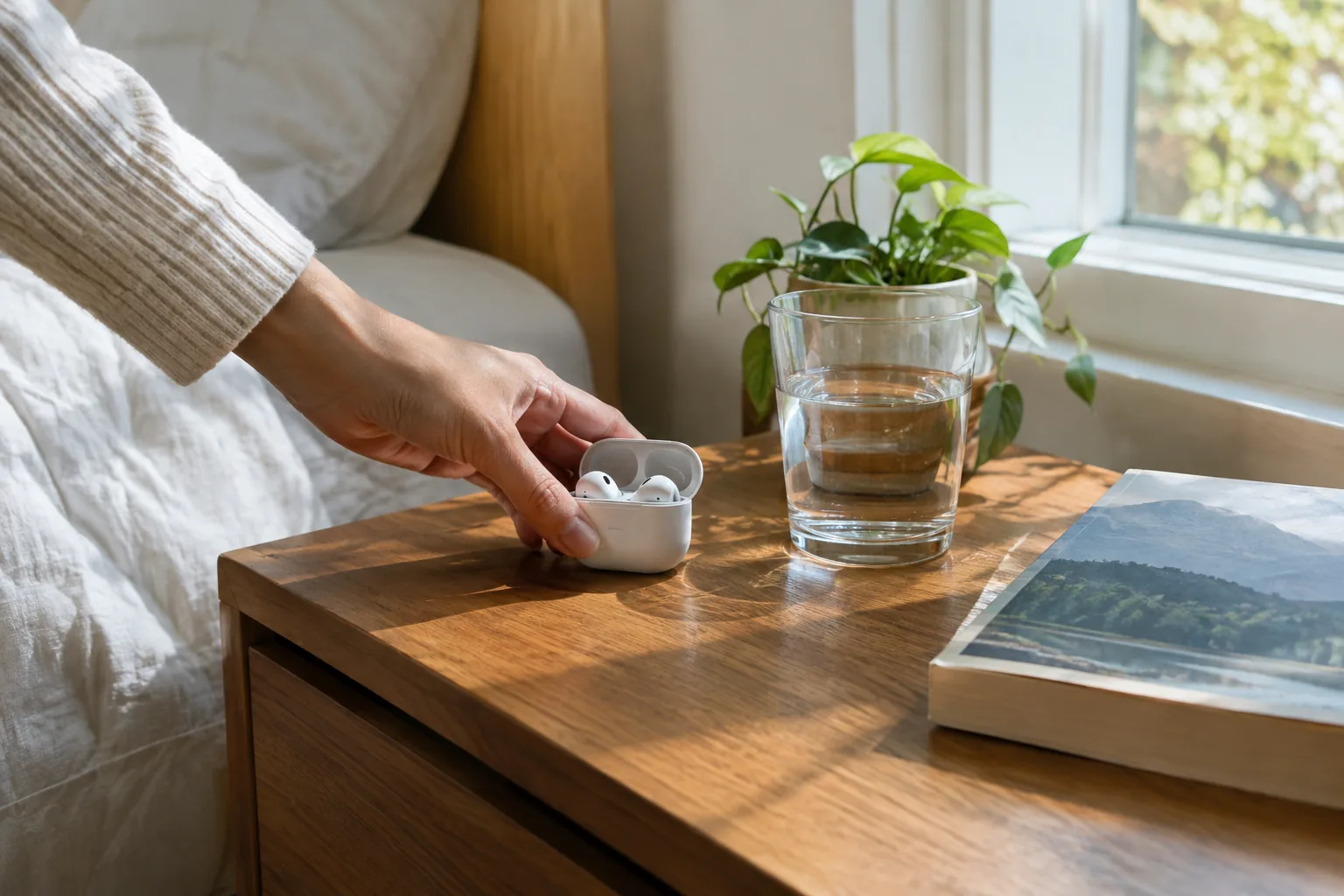
Fit, care schedule and common mistakes
Fit decides whether any of this works. Try each tip size and pick the one that feels snug without pressure. HushPods come with S, M and L silicone tips and foam inserts, so you can choose the size that fits your ear. NoctaVeil offers XS, S, M and L.
A simple care schedule
| When | HushPods | NoctaVeil |
|---|---|---|
| Each morning | Place both buds back in the case so they charge for the next night | Remove and store in the case |
| Weekly | Clean the mesh and tip with the supplied cleaning tool | Rinse with soap and water, then air dry |
| When in doubt | Follow the care guide in the box | Follow the suggested rinse routine |
Mistakes to avoid
- Choosing by the product photo and skipping the thickness number.
- Skipping tip sizes and using the pre-installed one.
- Depending on a phone speaker alarm while your ears are blocked.
- Leaving buds uncleaned between uses.
- Playing audio loudly all night. Keep the volume low.
For background on noise-masking earbuds in a sleep setting, see this PMC article on noise-masking earbuds. If you have ear discomfort or questions about wearing anything in your ears overnight, ask a healthcare provider.
A four-step way to decide
- Check your pillow contact. If you sleep on your side, set a maximum thickness and rule out stemmed buds.
- Name your noise. Steady hum points to ANC. Snoring or irregular sounds point to a combination of seal and masking sound.
- Decide whether you want audio. If yes, choose noise-canceling earbuds for sleep with an app and alarm. If no, consider earplugs.
- Confirm the practical details: tip sizes, charging routine, cleaning tool and a backup alarm.
Work through the list in order and the choice narrows to one or two products.
Frequently asked questions
Keep reading
 Bedroom Air & LightingAir Purifiers for Small Rooms: Sizing by CADR, Noise and Filters6 min read
 Bedroom Air & Light TherapySmall Dehumidifier for Bathrooms: Sizing, Placement and Types7 min read
 Sleep Masks, Snoring & Apnea AidsAlarm Clock With Sunrise Simulation: How It Works and Setup Tips6 min read